How to estimate the remaining life of an SSD?
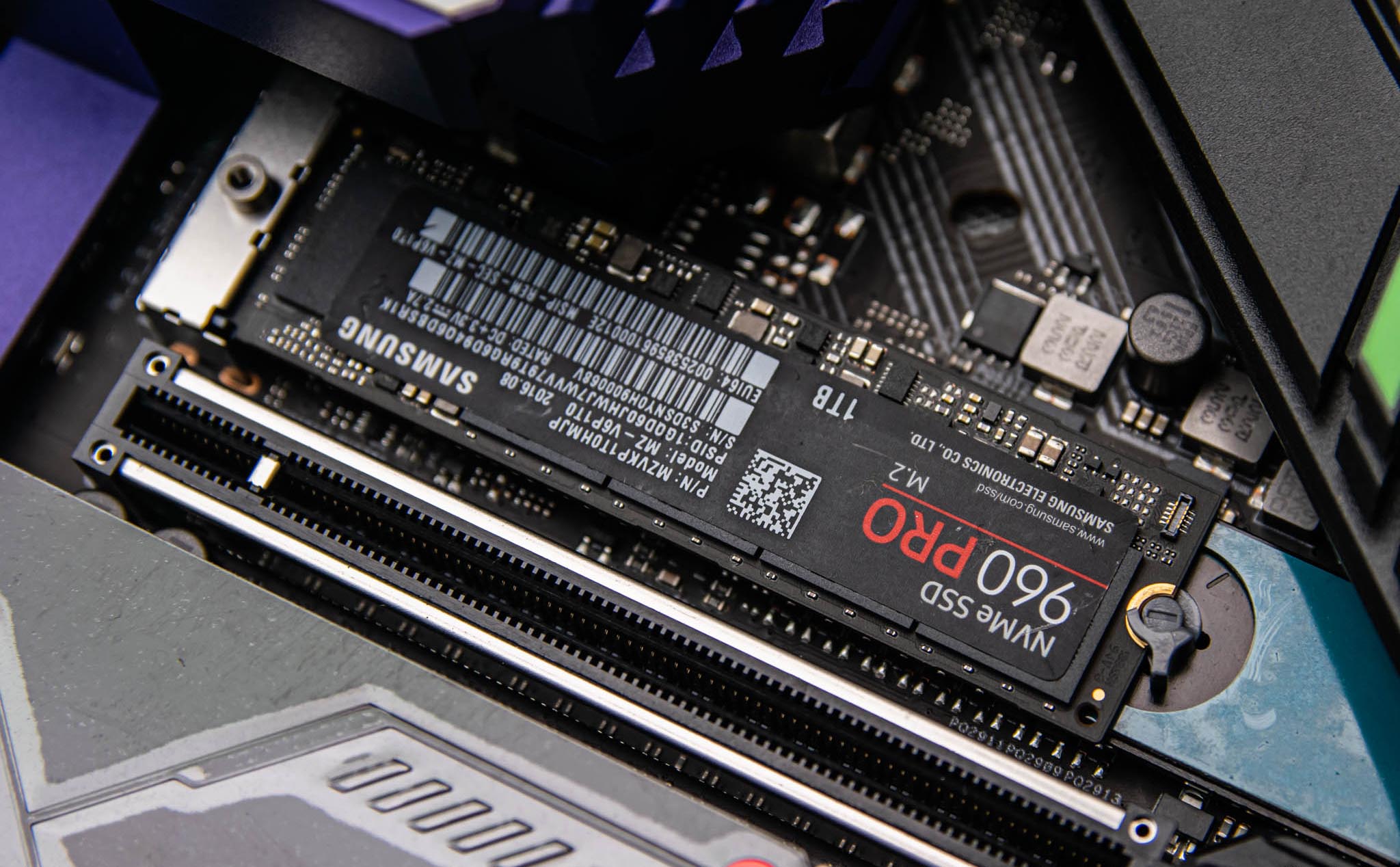
Currently, most personal computers are equipped with SSDs to achieve fast boot speeds and improve overall performance. Unlike traditional mechanical hard drives (HDDs), which often have failures in moving components and friction between the magnetic head and platter, SSDs are completely silent and very shock-resistant. In return, SSD will have a certain lifespan, depending on many factors, including memory chip quality and total write and erase capacity.
What affects the durability or lifespan of an SSD?
Write cycle represents the durability of SSD, because the characteristics of this type of solid-state storage are that there is a limited number of write cycles, after which the oxide layer of flash memory cells begins to degrade. This not only reduces the lifespan but also affects the read and write performance of the drive. When it is necessary to write new data to the SSD, the existing data needs to be erased electrically instead of overwritten, which degrades the oxidation layer of NAND flash memory cells, directly affecting their storage capacity.
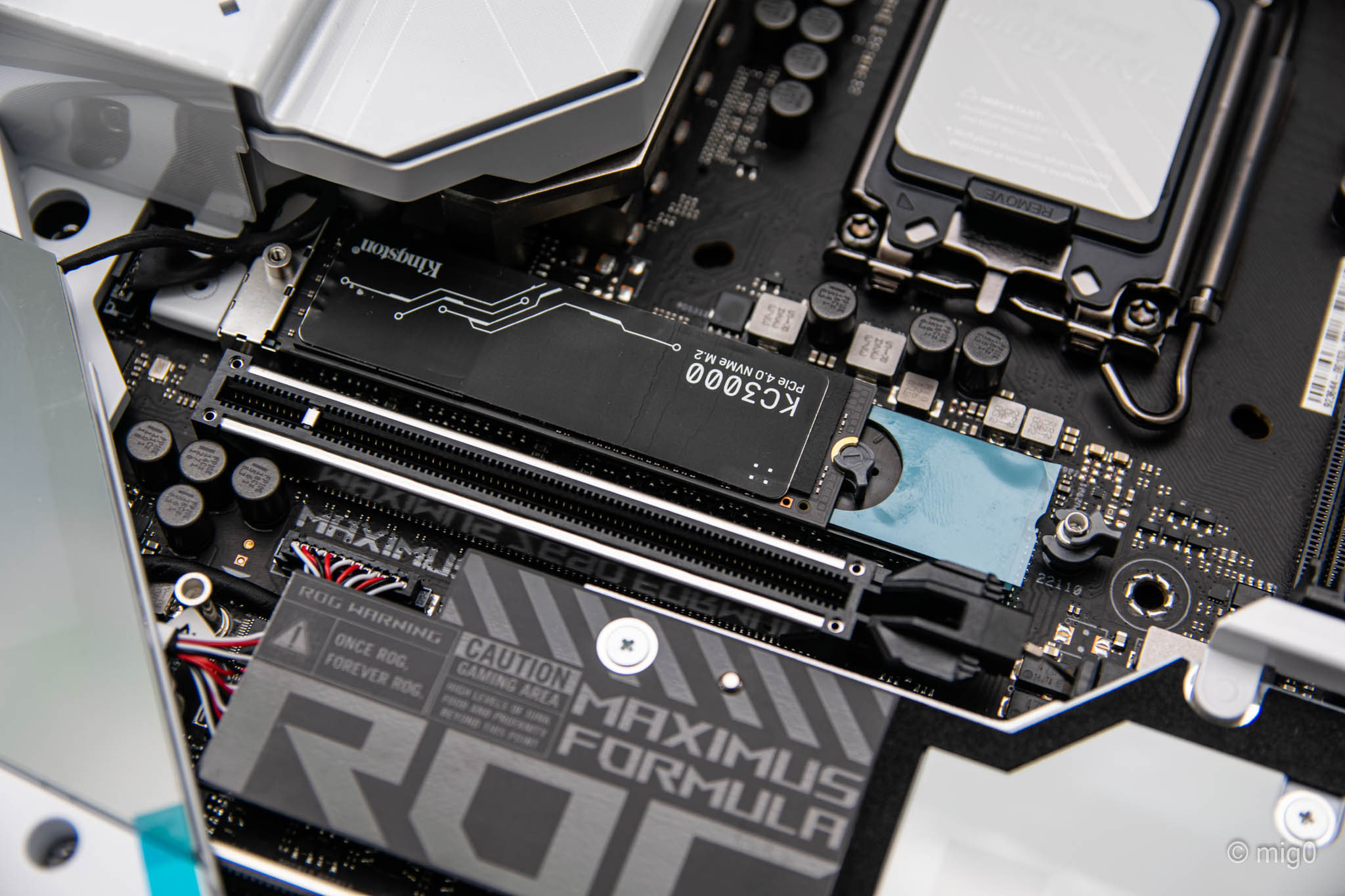
SSD operating time also affects longevity and error rate. Manufacturers say that the lifespan of SSDs can reach 10 years, but in reality their average is not like that. However, SSDs are still 1/4 less error-prone than traditional mechanical hard drives. In addition, the total number of TB recorded over time (TBW) is the basic warranty limit for SSDs. When this threshold is exceeded, the memory cells begin to degrade and can be damaged at any time. The advice is that if the SSD is close to or past the TBW number announced by the manufacturer, you need to immediately find a new product to replace it.
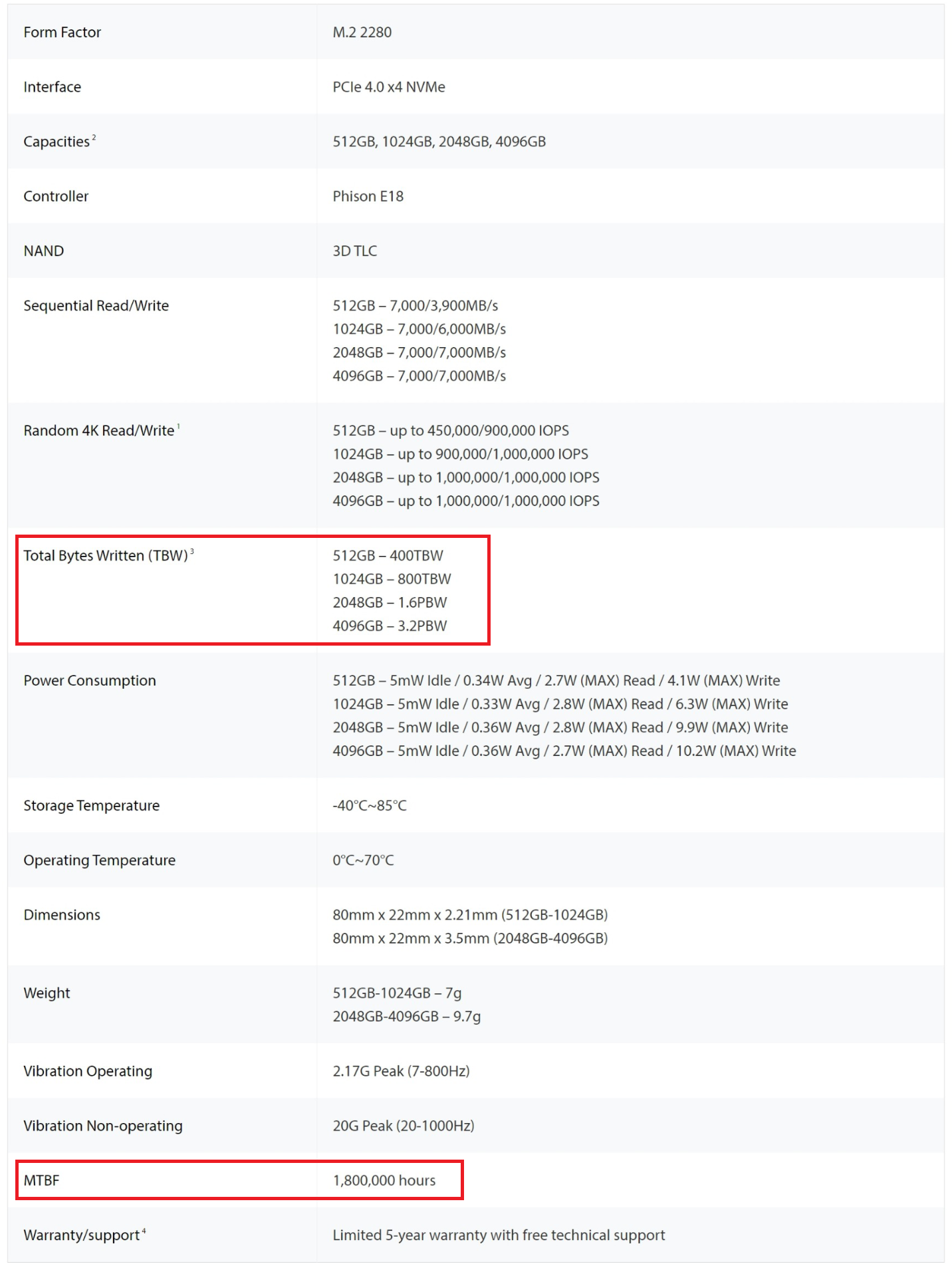
Another indicator that we often see manufacturers announce is MTBF (Mean time between failures), but do not rely too much on this point. MTBF is calculated based on a fairly small number of test samples, drawn statistically, to determine the average time between system failures. In theory, a larger MTBF indicates a more reliable product. For HDDs, MTBF is about 500,000 hours, which is somewhere around 57 years; While SSDs have a MTBF of about 2.5 million hours - a theoretical number that is mainly misleading.
What is the average lifespan of an SSD?
Assuming HDDs operate in an ideal environment and eliminate physical wear and tear over time, they are virtually immortal. In contrast, under similar conditions, SSD drives still have a certain lifespan due to the characteristics of data storage using memory chips. The nature of memory chips will withstand a limited amount of data being written. After this limit expires, the memory chips will return to read only status. Therefore, in order to have high speed and comfort when used, in return they have a limited lifespan. But you don't need to worry too much, because most SSDs currently on the market will be able to serve you for many years before "retiring".
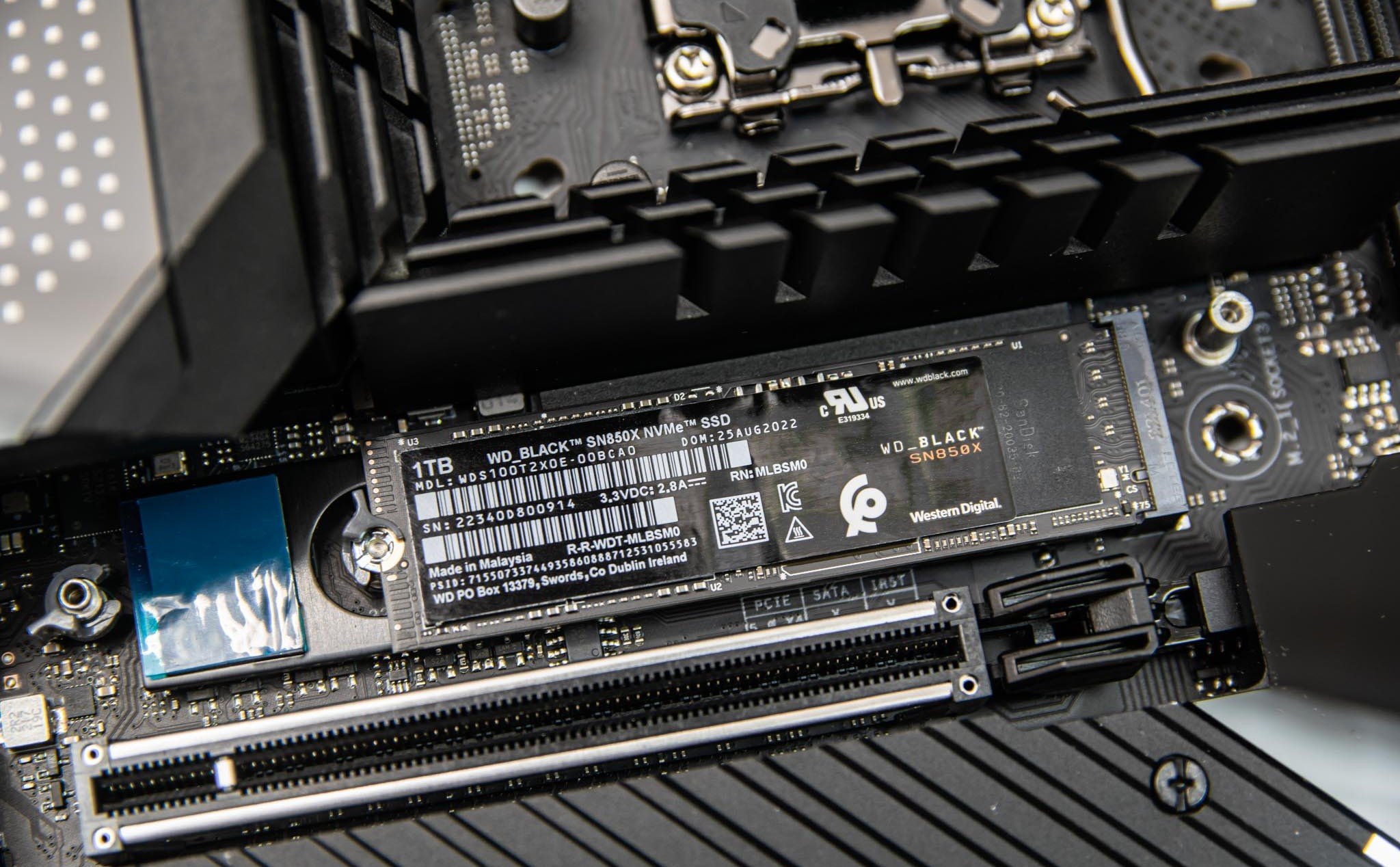
This limit number is different depending on the type of memory chip that is equipped with that SSD model. Basically, SLC (single level cell) type NAND Flash memory chip has the best speed and is very durable in terms of write and erase cycles (100,000 cycles), comes with an expensive price because of low storage space, and is usually only used in server environments or important systems. Next, people have MLC (multi level cell) 10,000 cycles, then TLC (triple level cell) 3000 cycles and QLC (quad level cell) too, in order, the storage capacity increases but the lifespan is lower, that is 2D NAND. Over the past 10 years, 3D NAND technology has become popular and is the most notable innovation in the flash storage industry, solving the problems of 2D NAND. On average, modern SSDs have a lifespan of about 700 TBW (TerraByte Written), depending on the capacity of the SSD itself. This lifespan is not fixed but varies depending on the manufacturer, model and accompanying technologies. If you know this limited number of TBW and keep track of the number of TBW used, you can estimate the remaining lifespan of the SSD.
CrystalDiskInfo
The software that is probably very familiar to PC users - CrystalDiskInfo - will provide an overall view of the SSD indicators in the system. In addition to monitoring the health of the drive, you also know the support features, total write/delete capacity and operating time. This is free software, you can download it at https://crystalmark.info/en/software/crystaldiskinfo/.
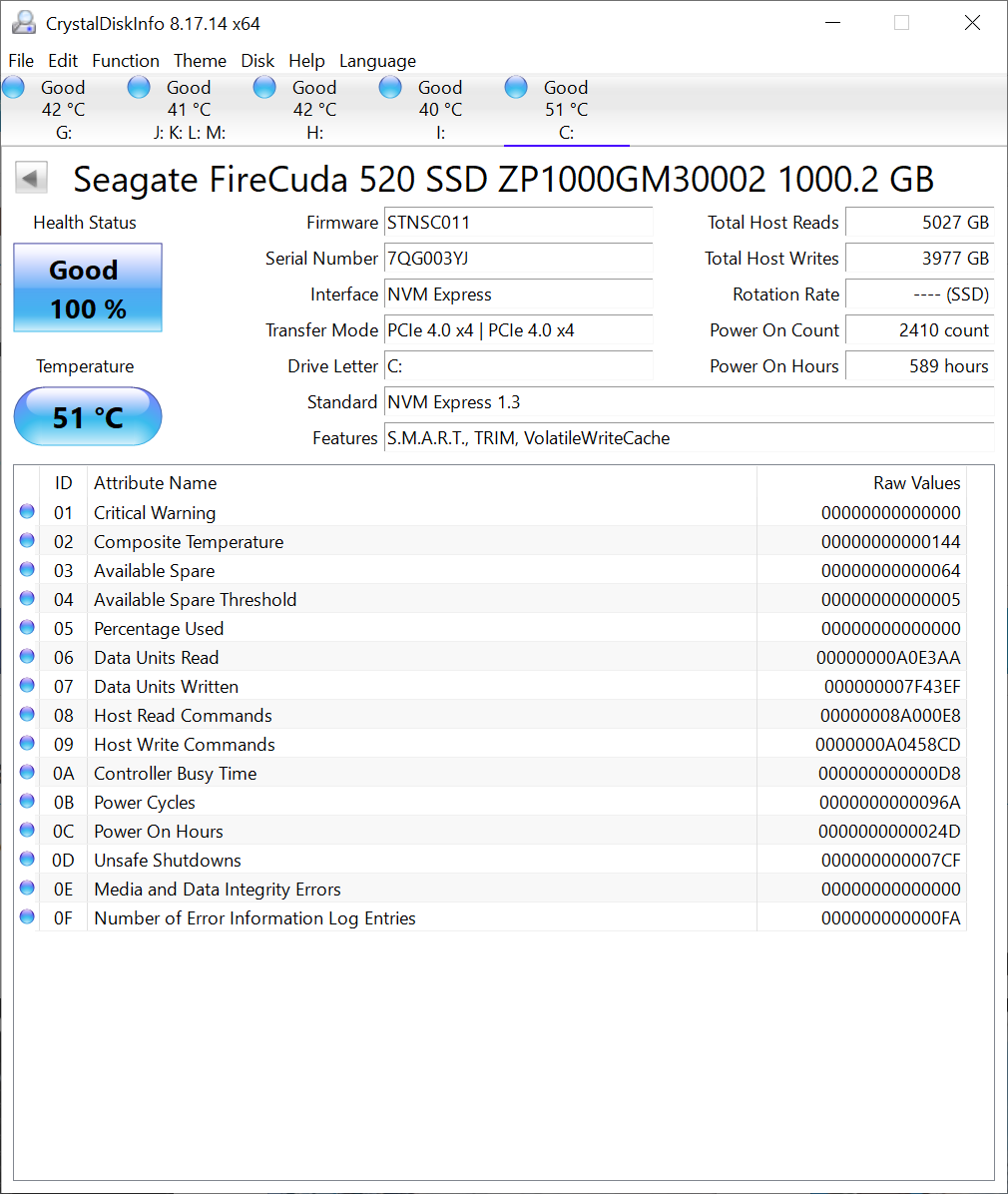
After installation, you launch CrystalDiskInfo and check the information of the drive that needs to be monitored. The Health Status section estimates the remaining life of the SSD, similar to the percentage of phone battery. In addition to Good, if you see Caution with a yellow background, you can start backing up your data, to prepare in case of unforeseen circumstances. If you accidentally see Bad on a red background, you must back up immediately, and hope that the SSD is still fine until completed.
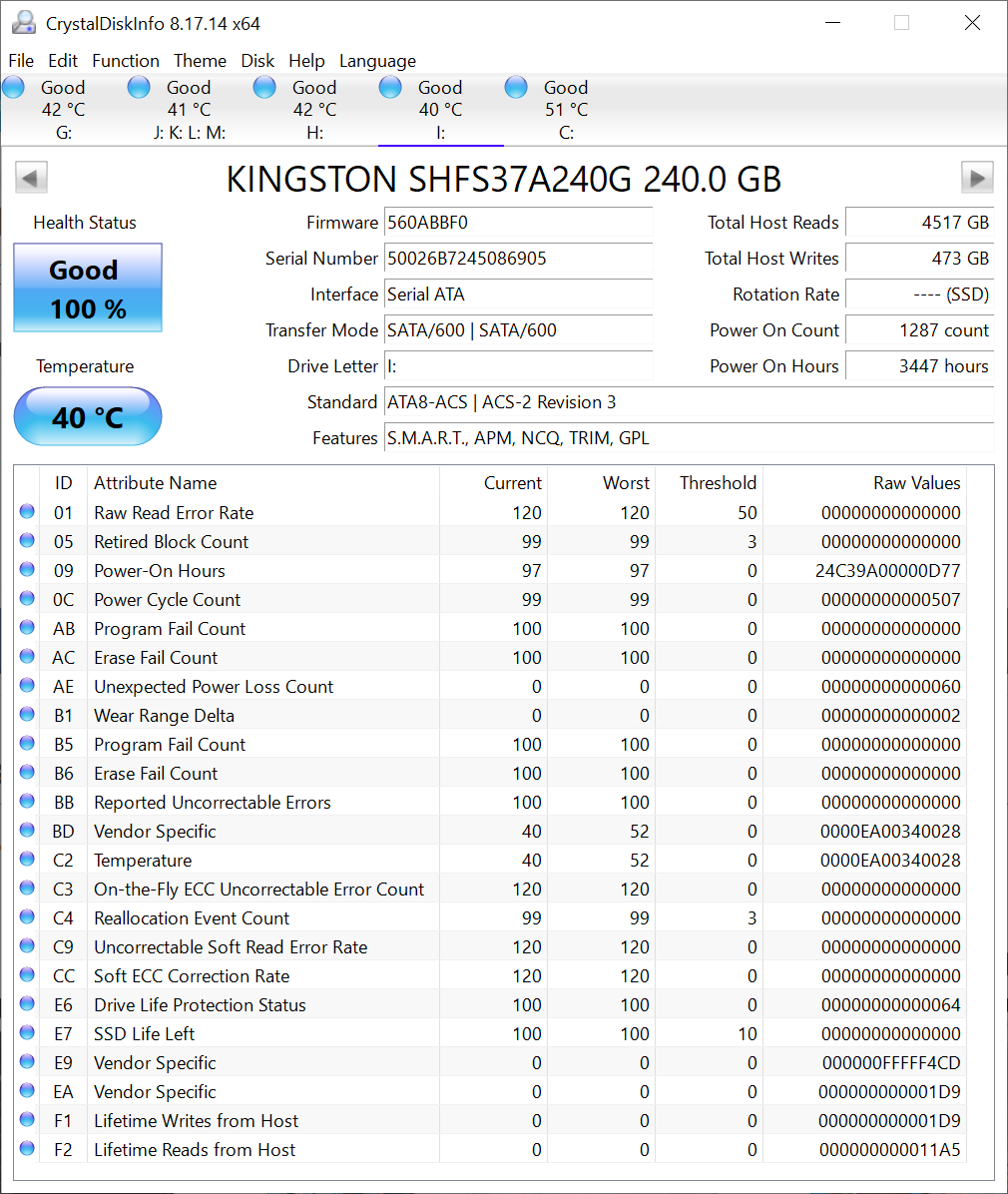
In the upper right corner, the Total Host Write section is the total amount of data written to the drive, right below is the operating time statistics as well as the number of startups.