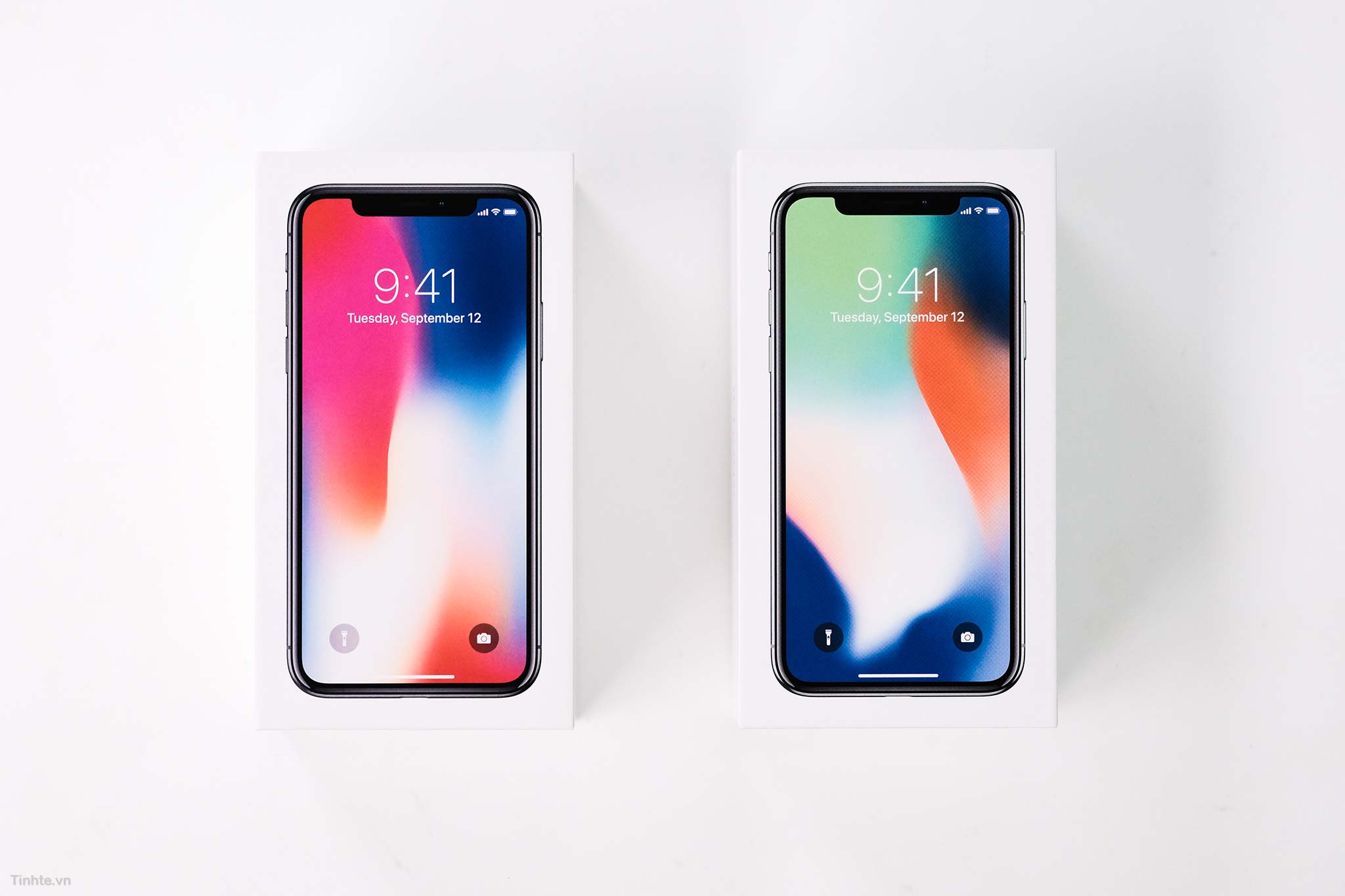
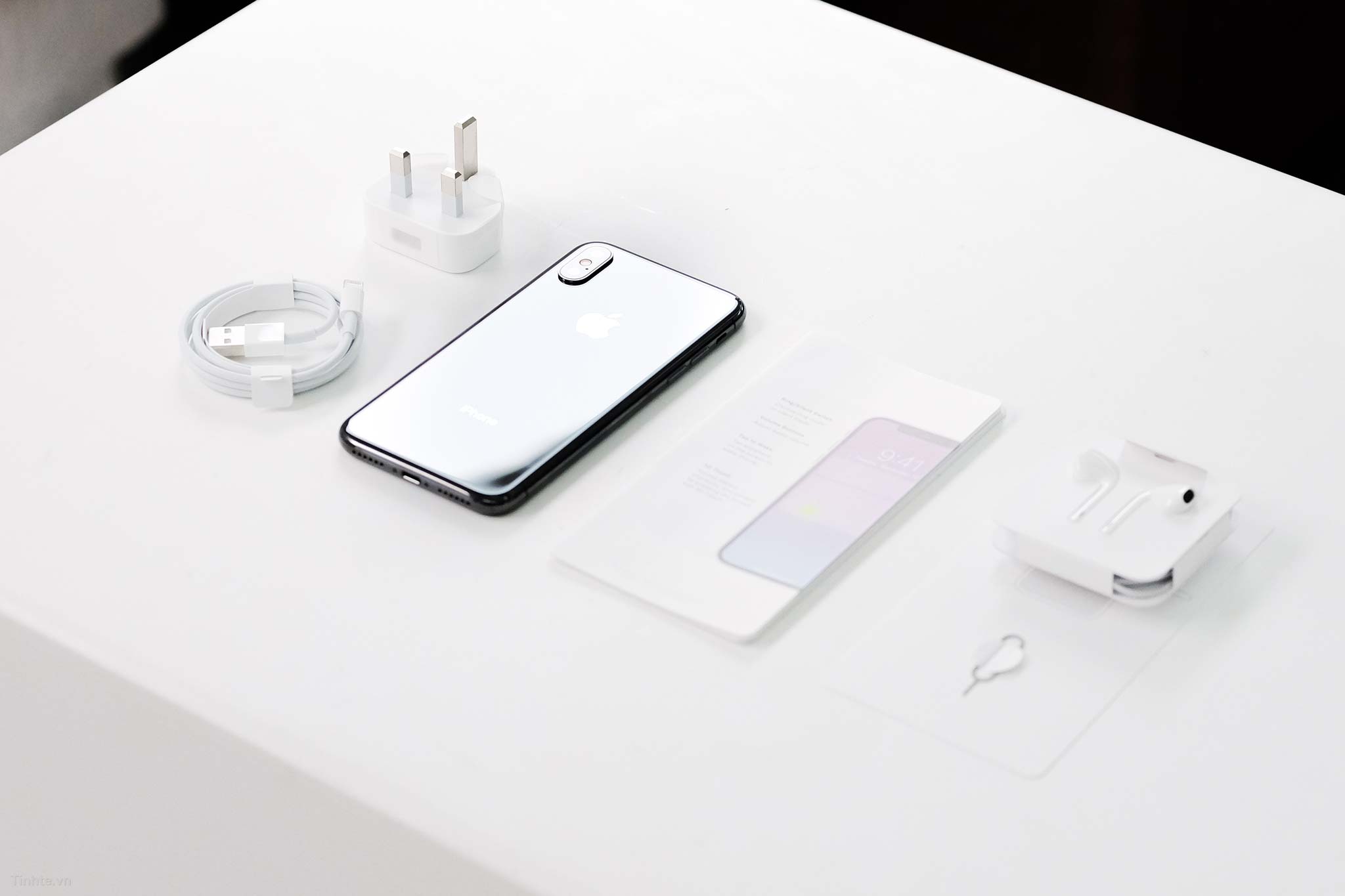
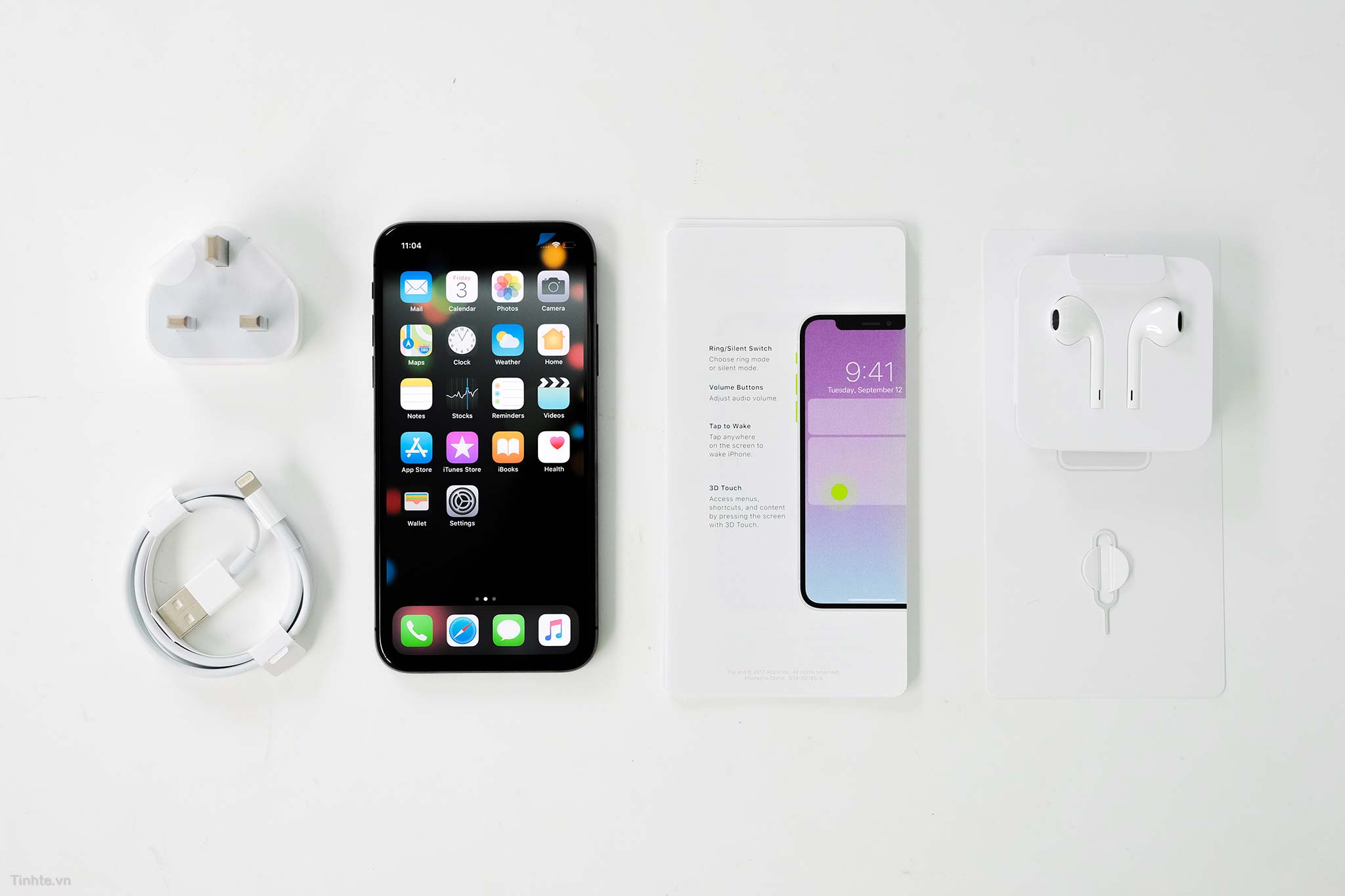
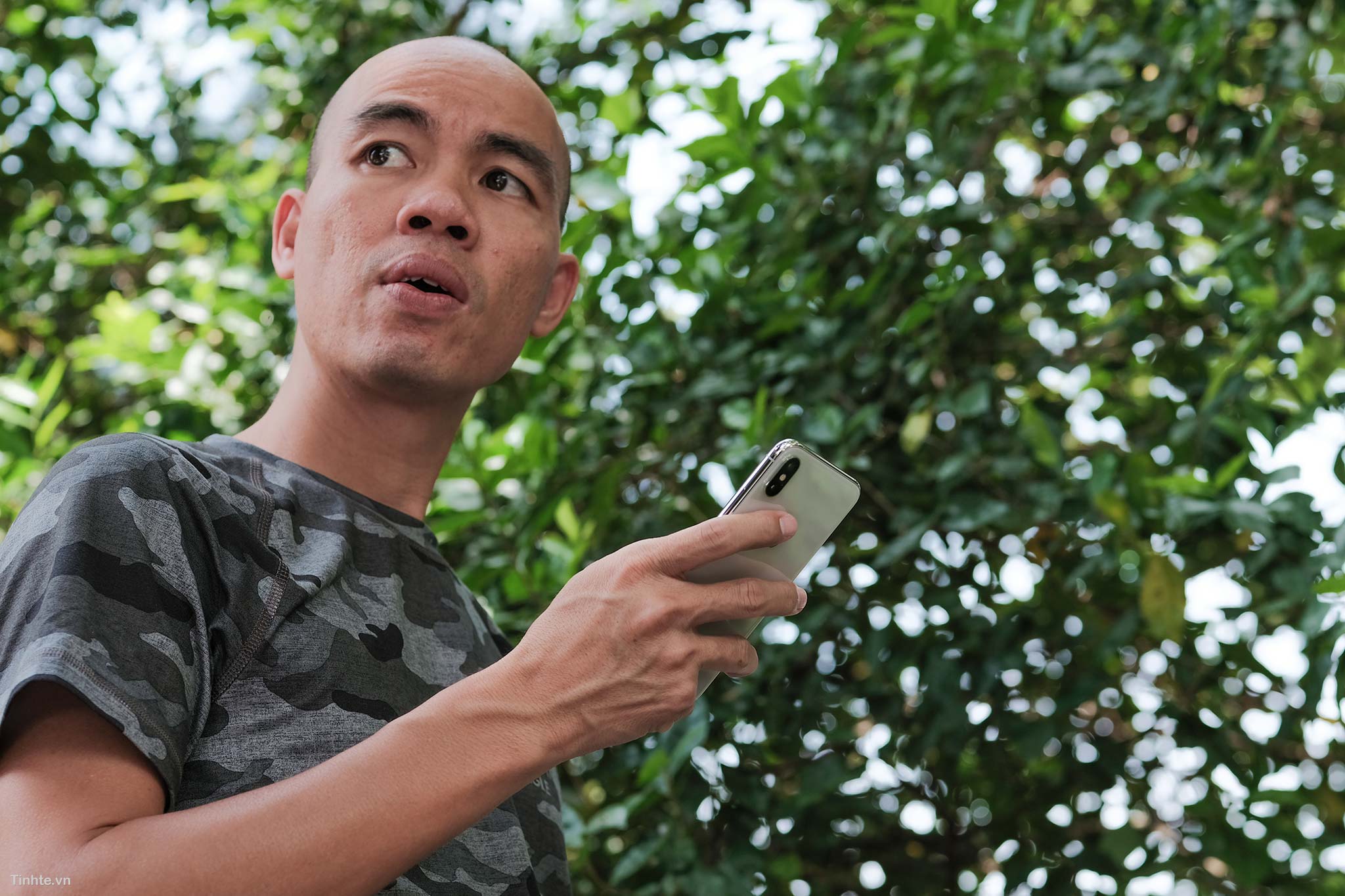
iPhone Twitter in hand: very compact, FaceID works well, OLED LCD display
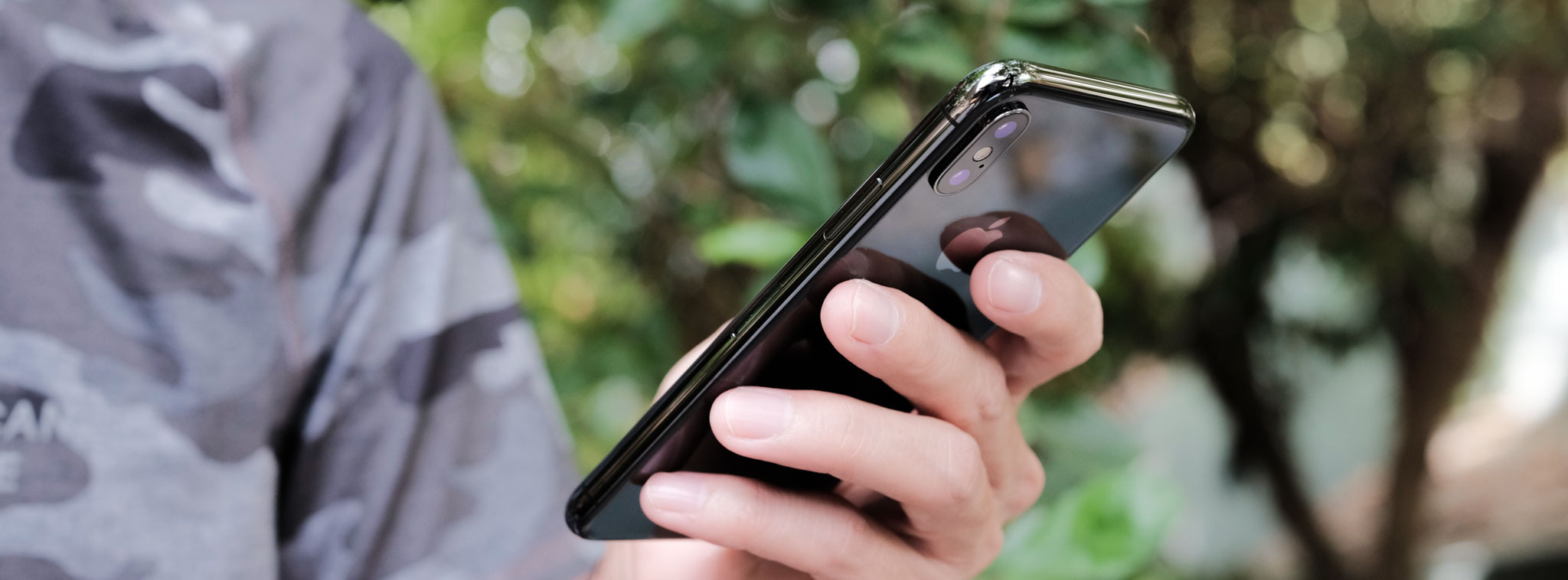
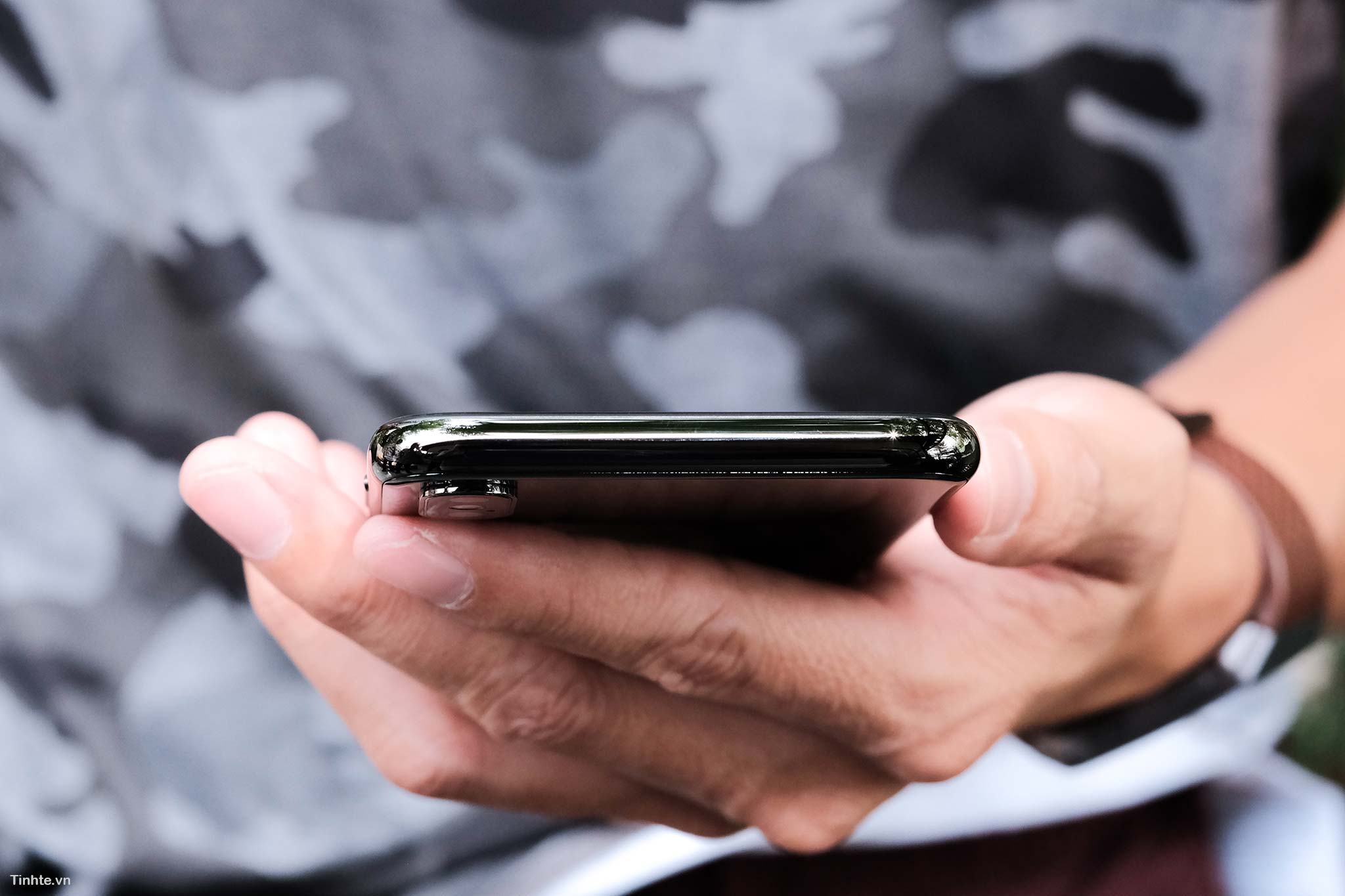
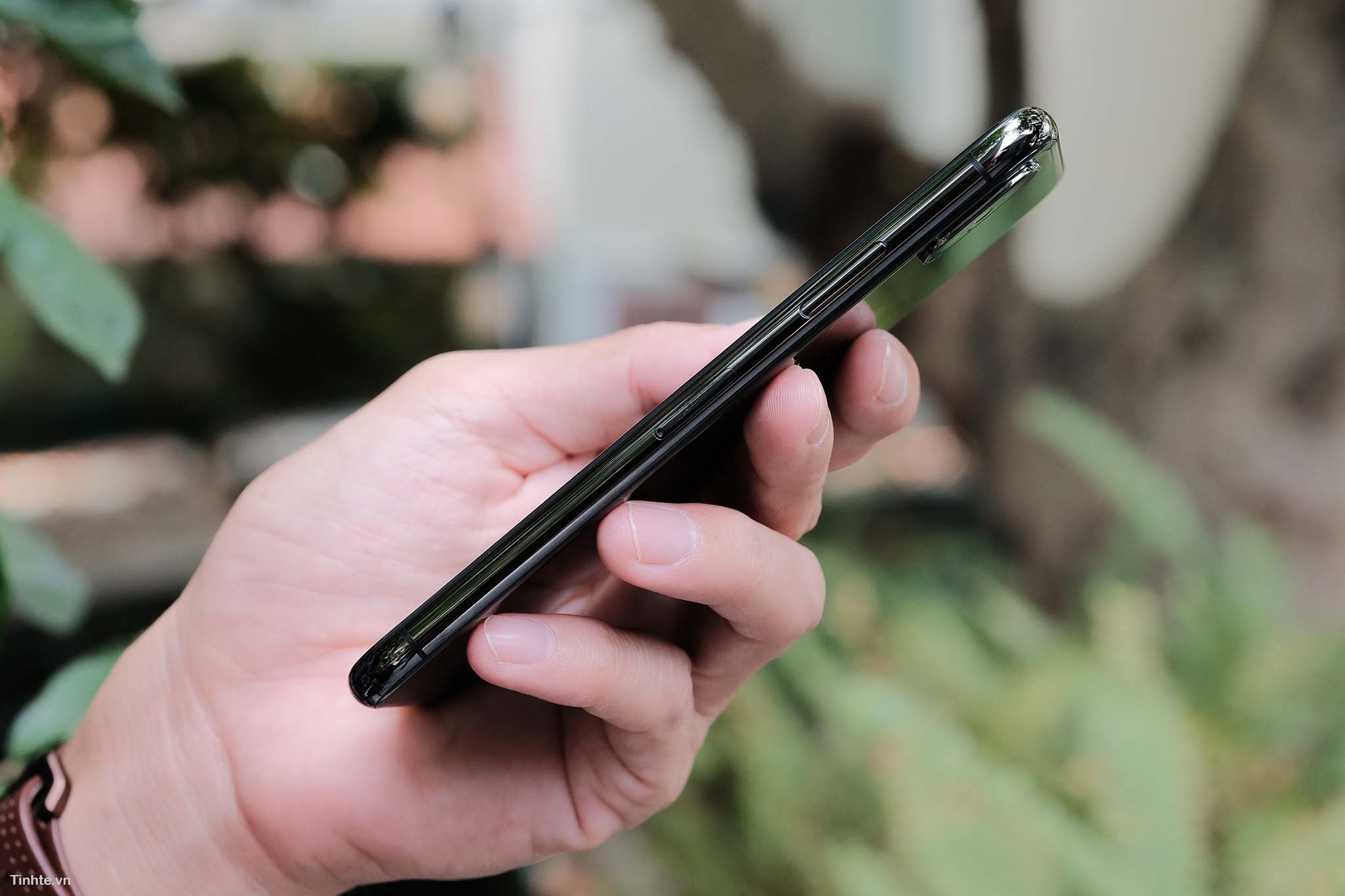
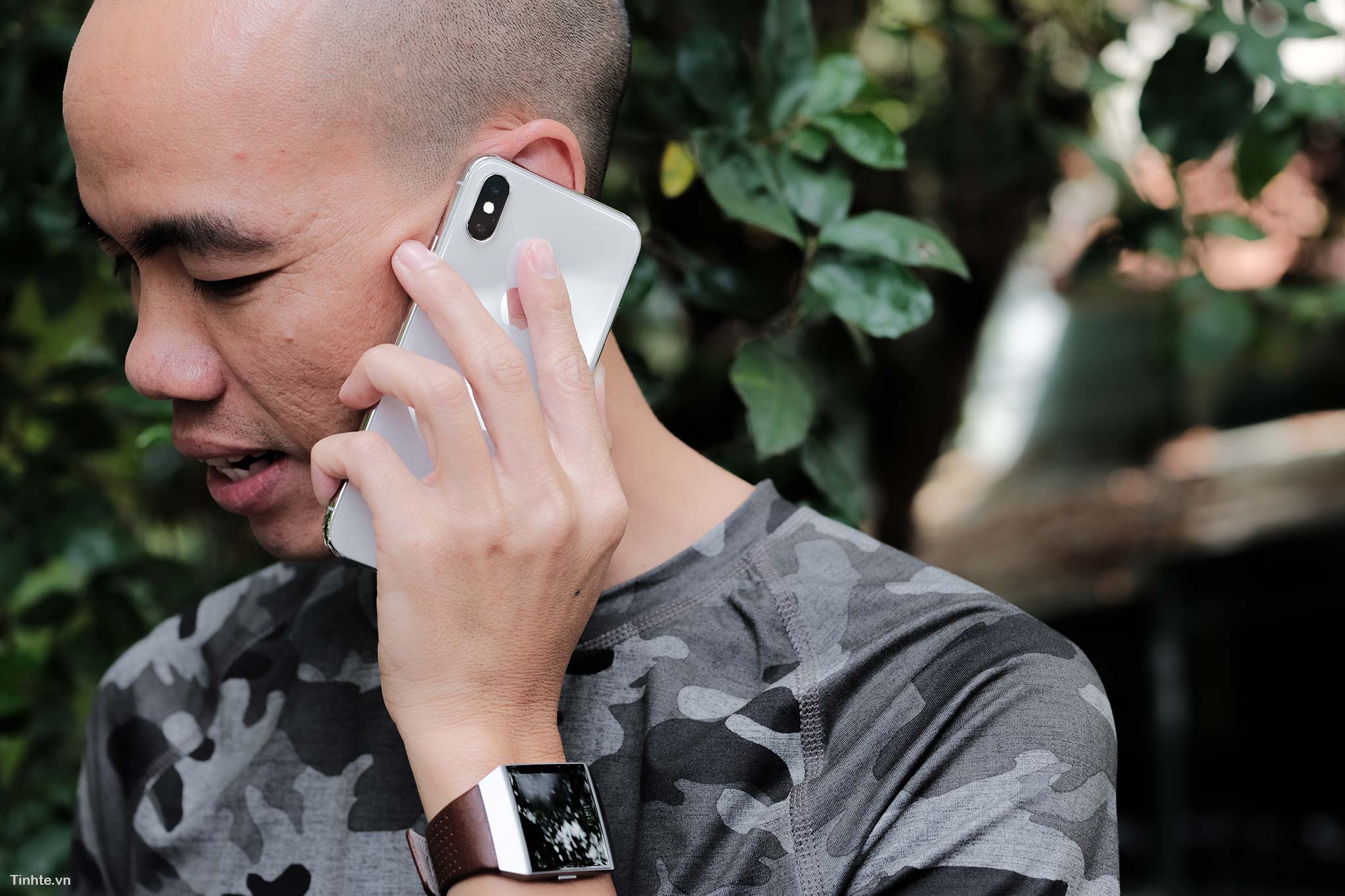
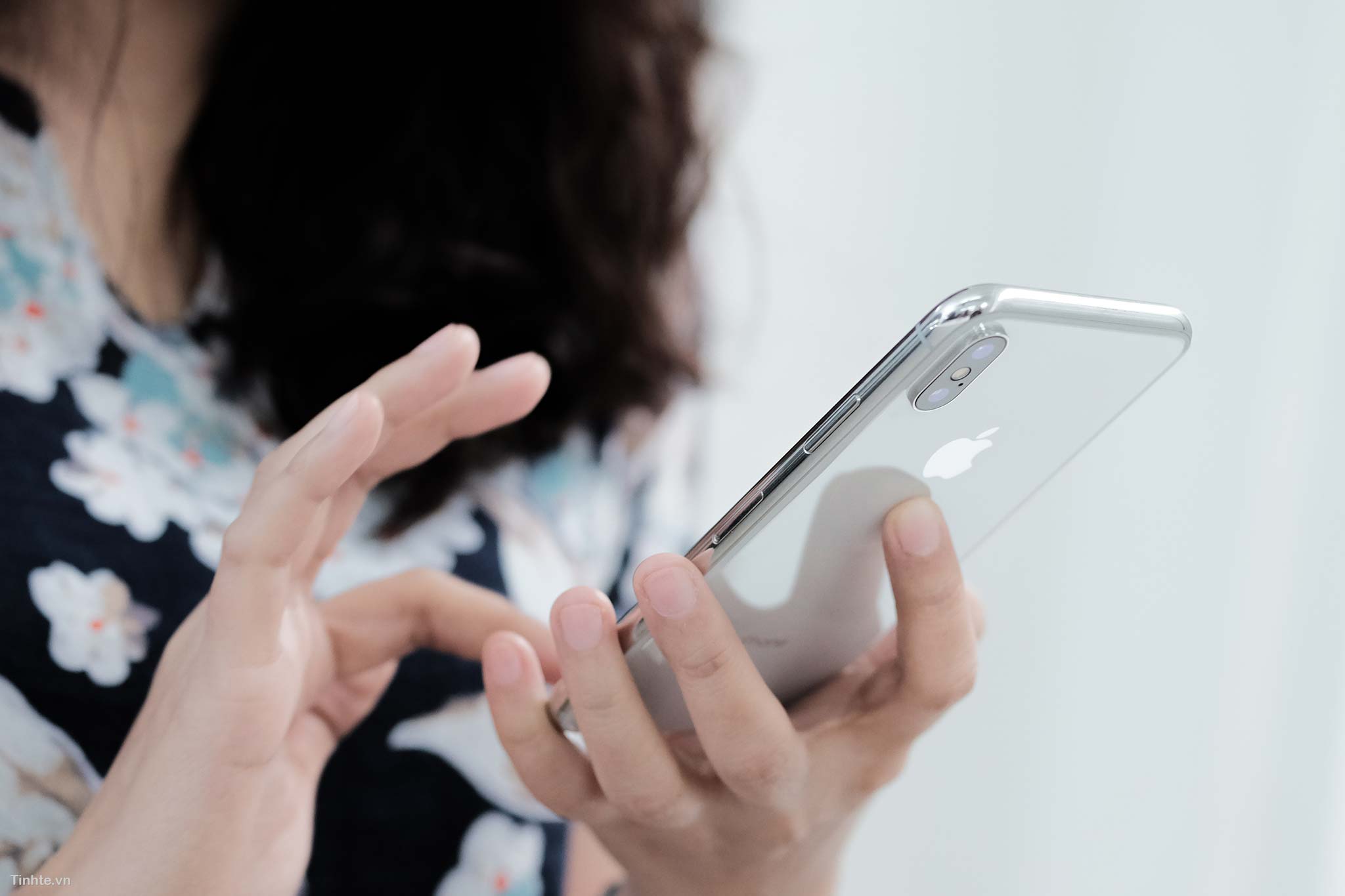
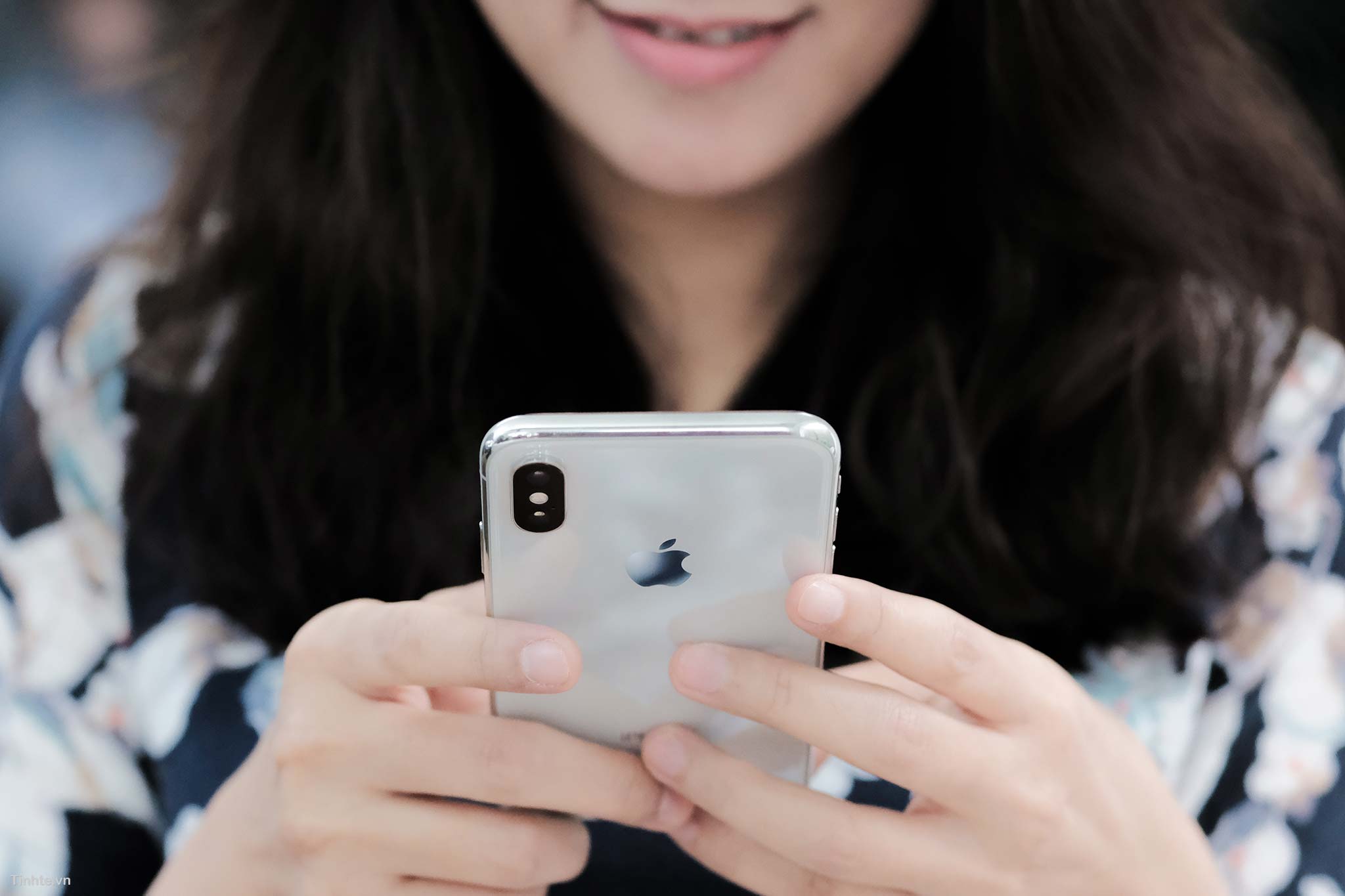
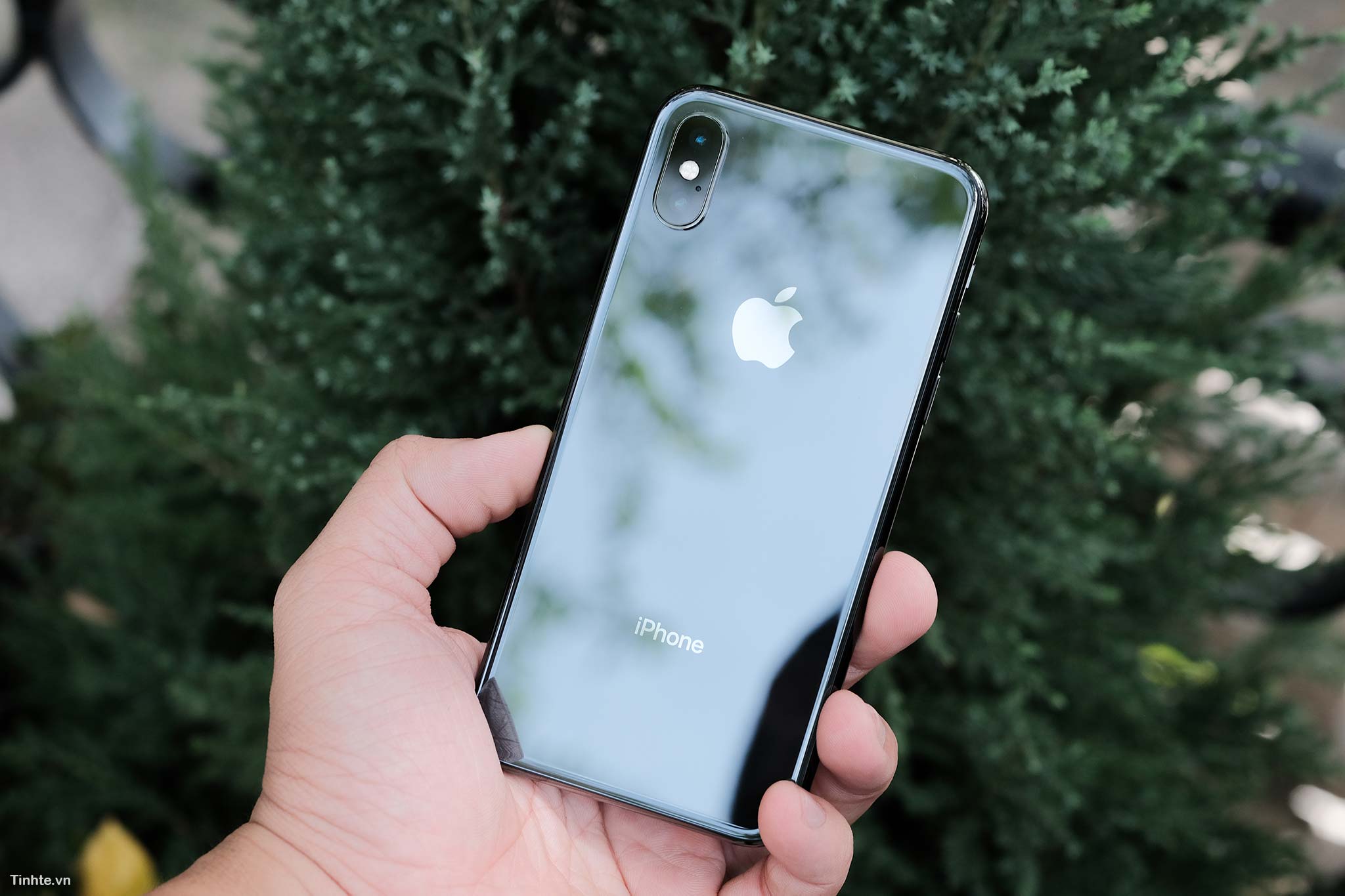
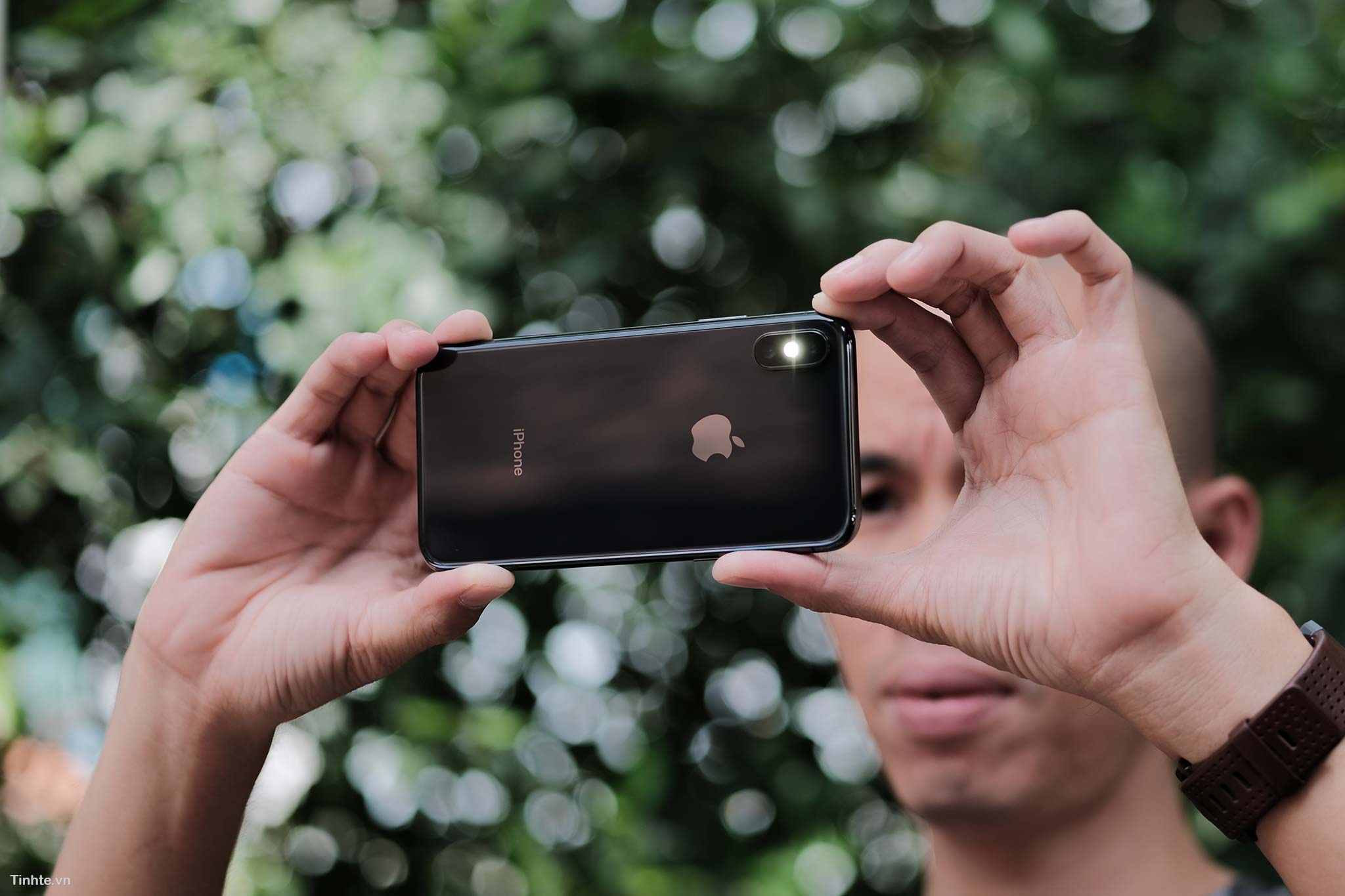
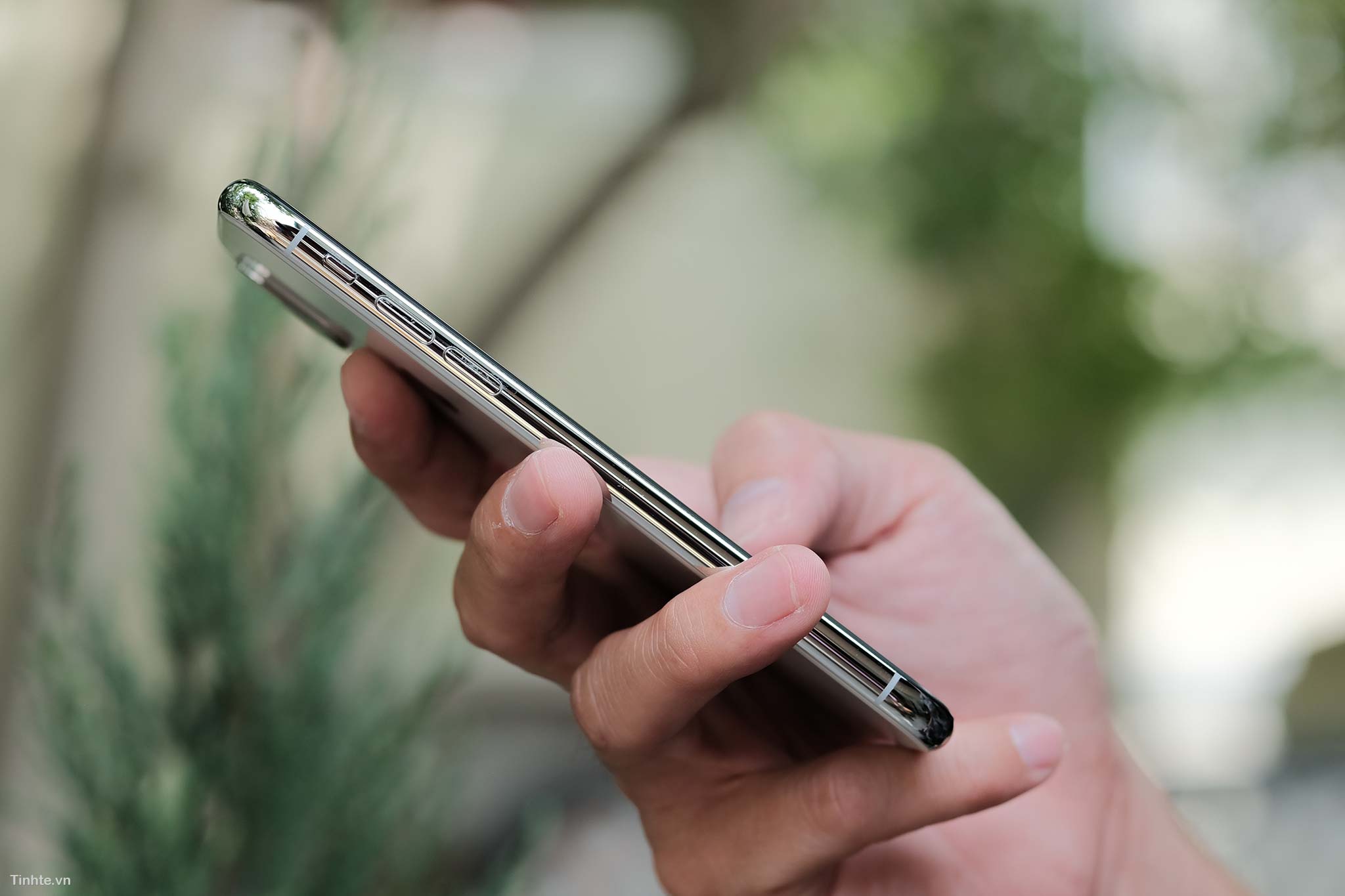
iPhone Twitter has many changes compared to older iPhone generations. When you pick it up, the first feeling is heavy and heavy because the frame is reinforced with steel instead of just aluminum like the iPhone 8 Plus. However, the size of the device is much smaller than the 8 Plus, only slightly larger than the iPhone 8. Personally, I think the size will be one of the most attractive points for iPhone Twitter buyers, because everyone needs to use a large phone in a compact size. Message: This afternoon, Delicate organizes an offline quick iPhoneX experience at Delicate cafe at 4:30 to 6:00. If you have free time, come over and play. 209 Nam Ky Khoi Nghia, District 3.
High quality Flickr image link for those who need it. https://www.flickr.com/photos/tinhtephoto/albums/72157690147393166
Design:
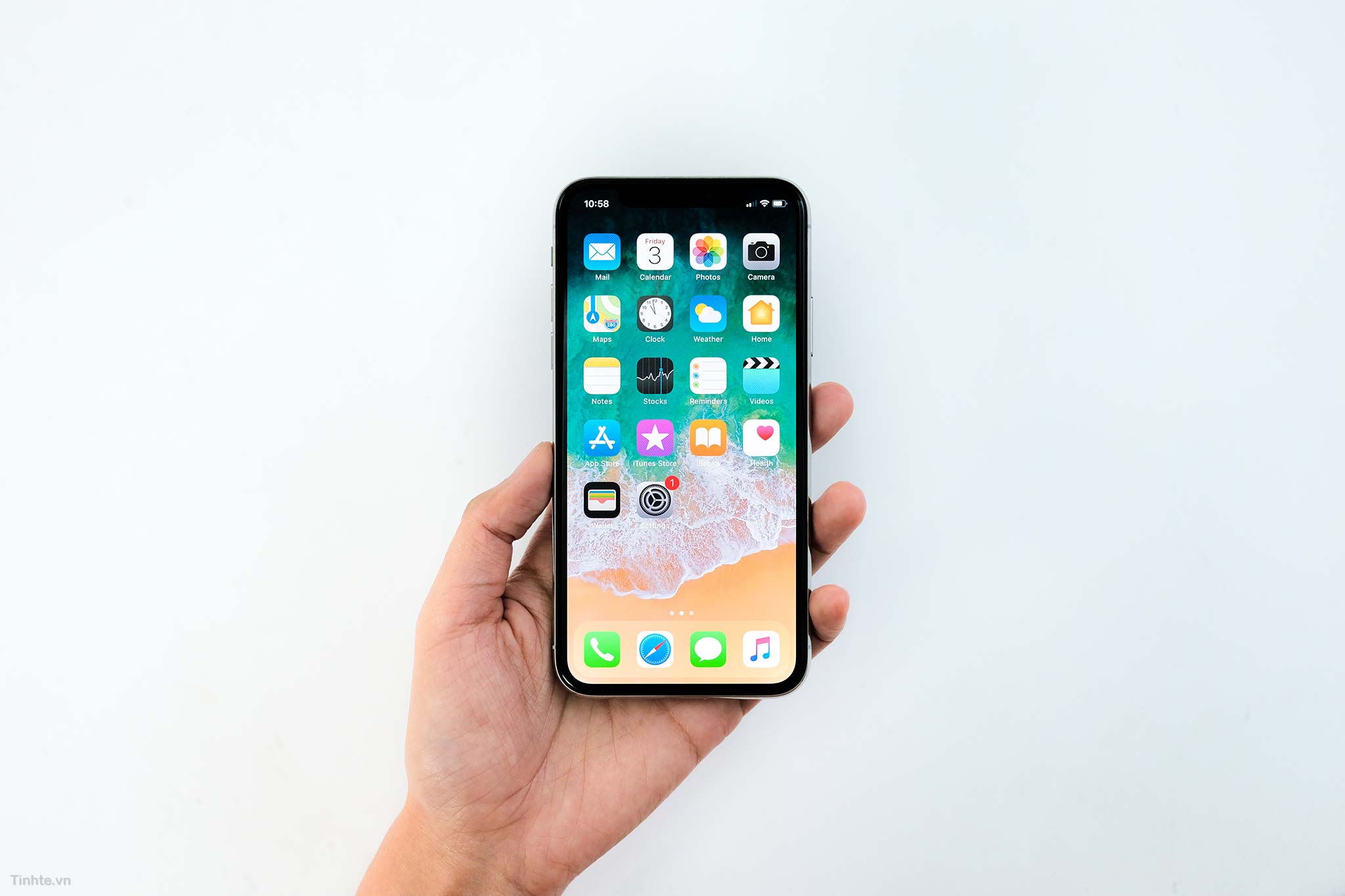
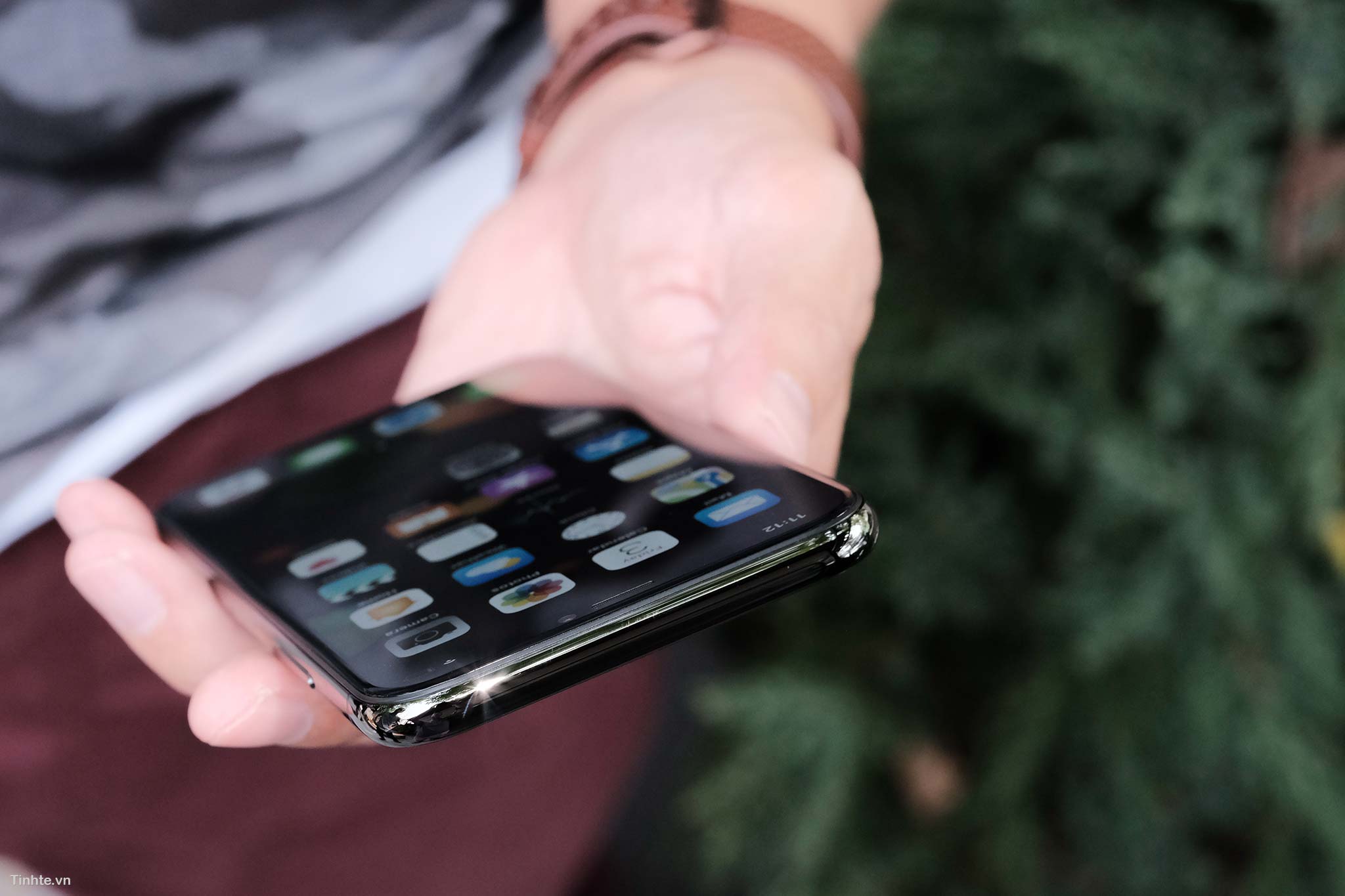
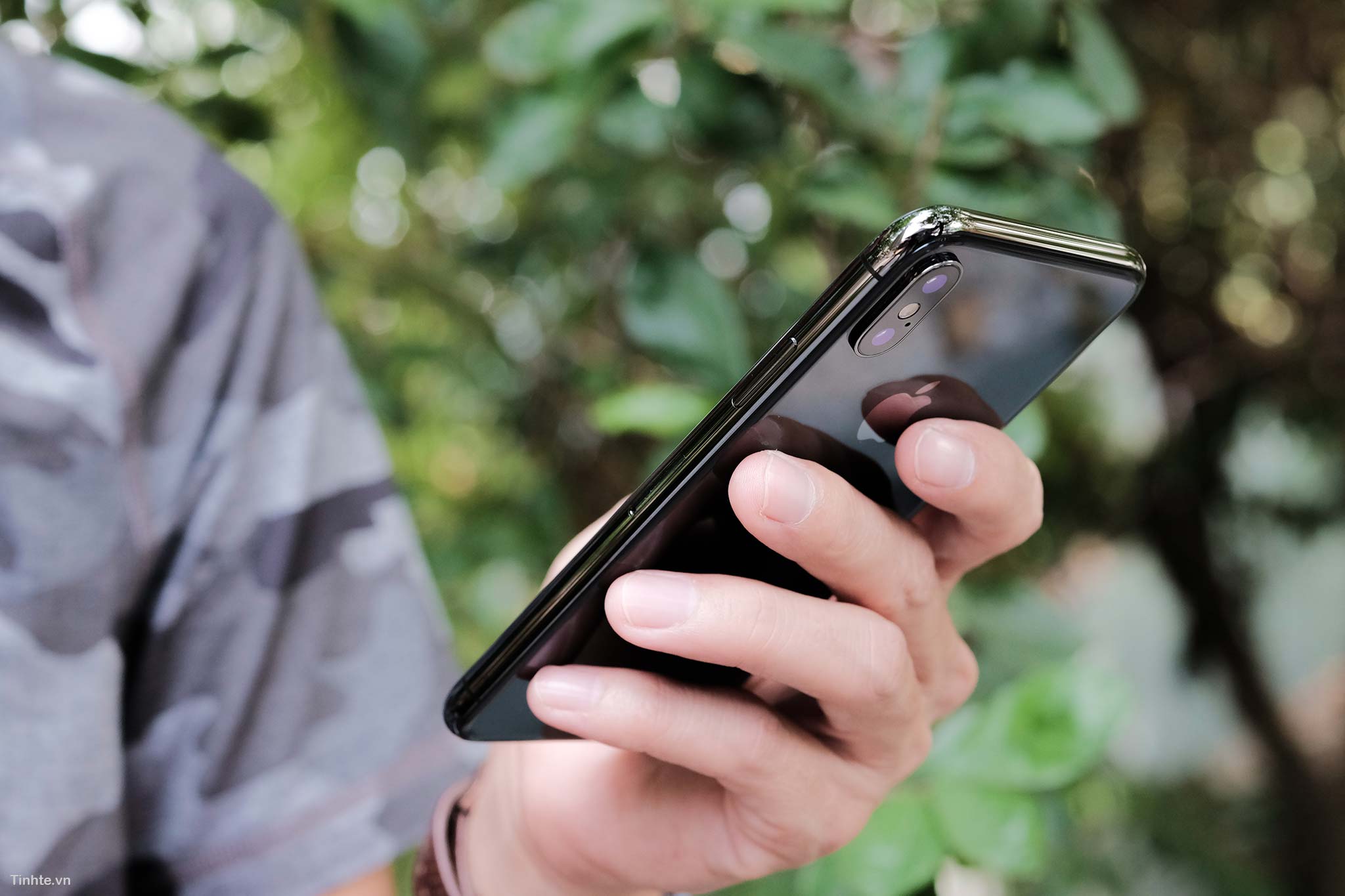
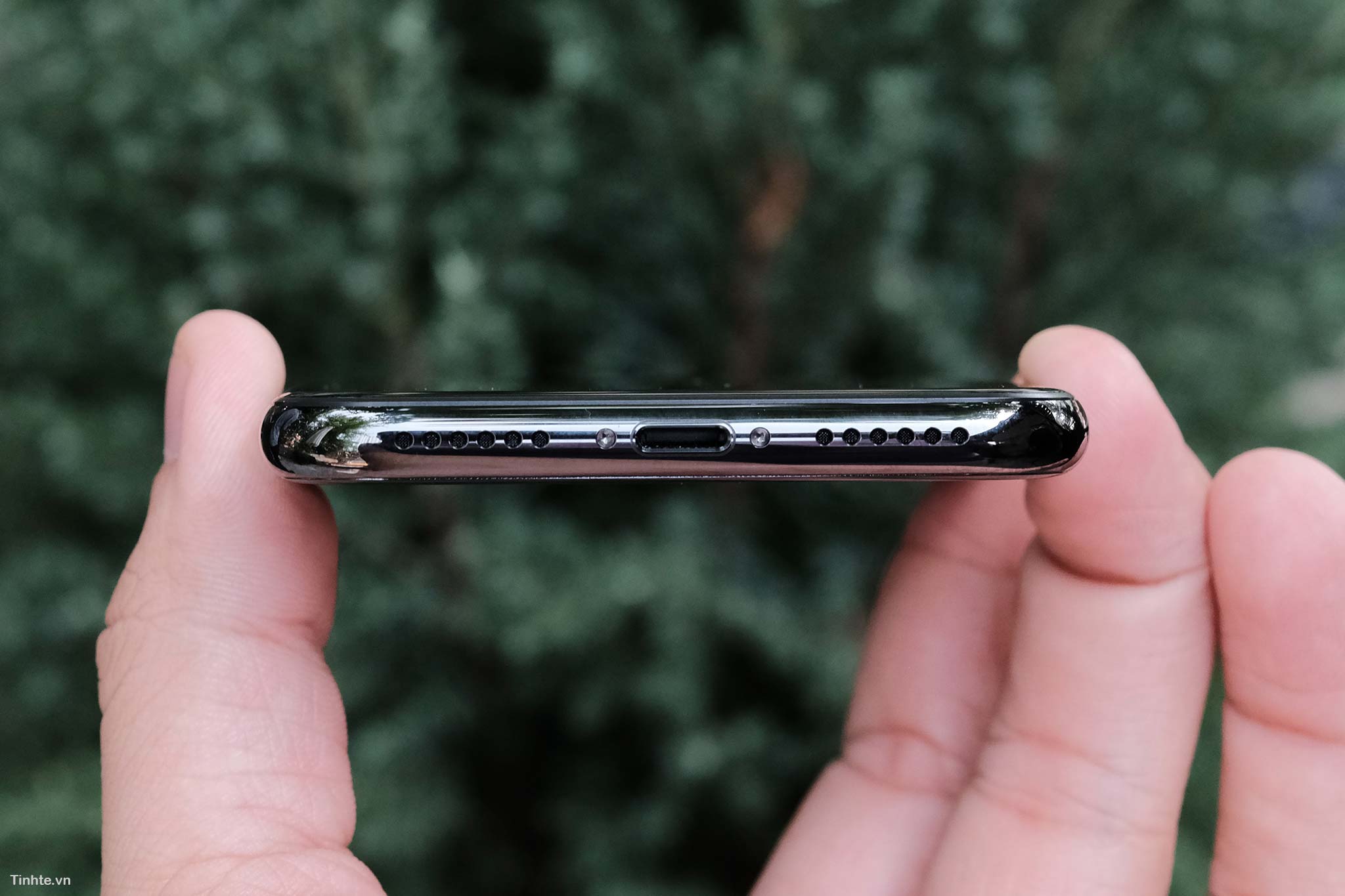
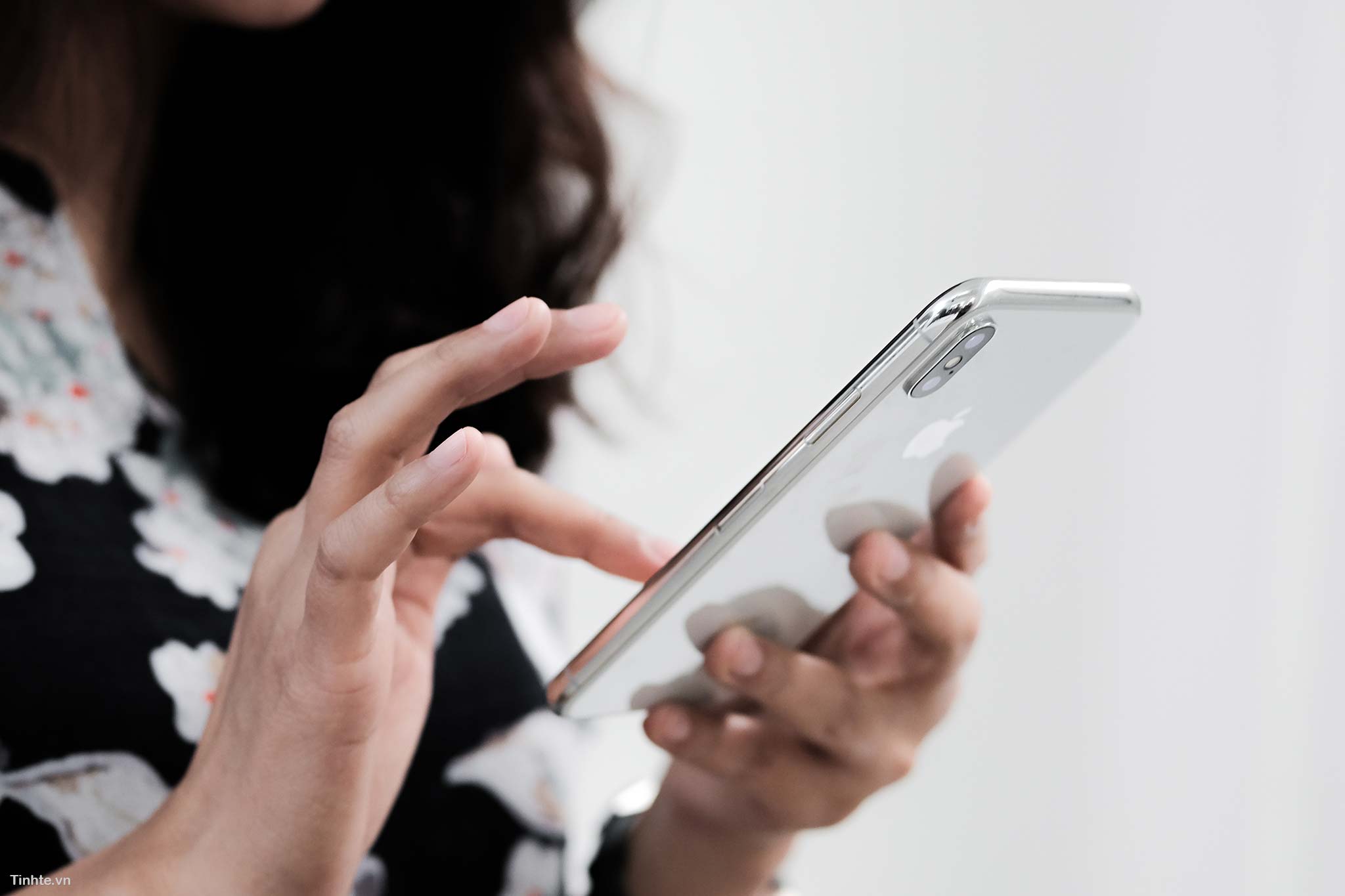
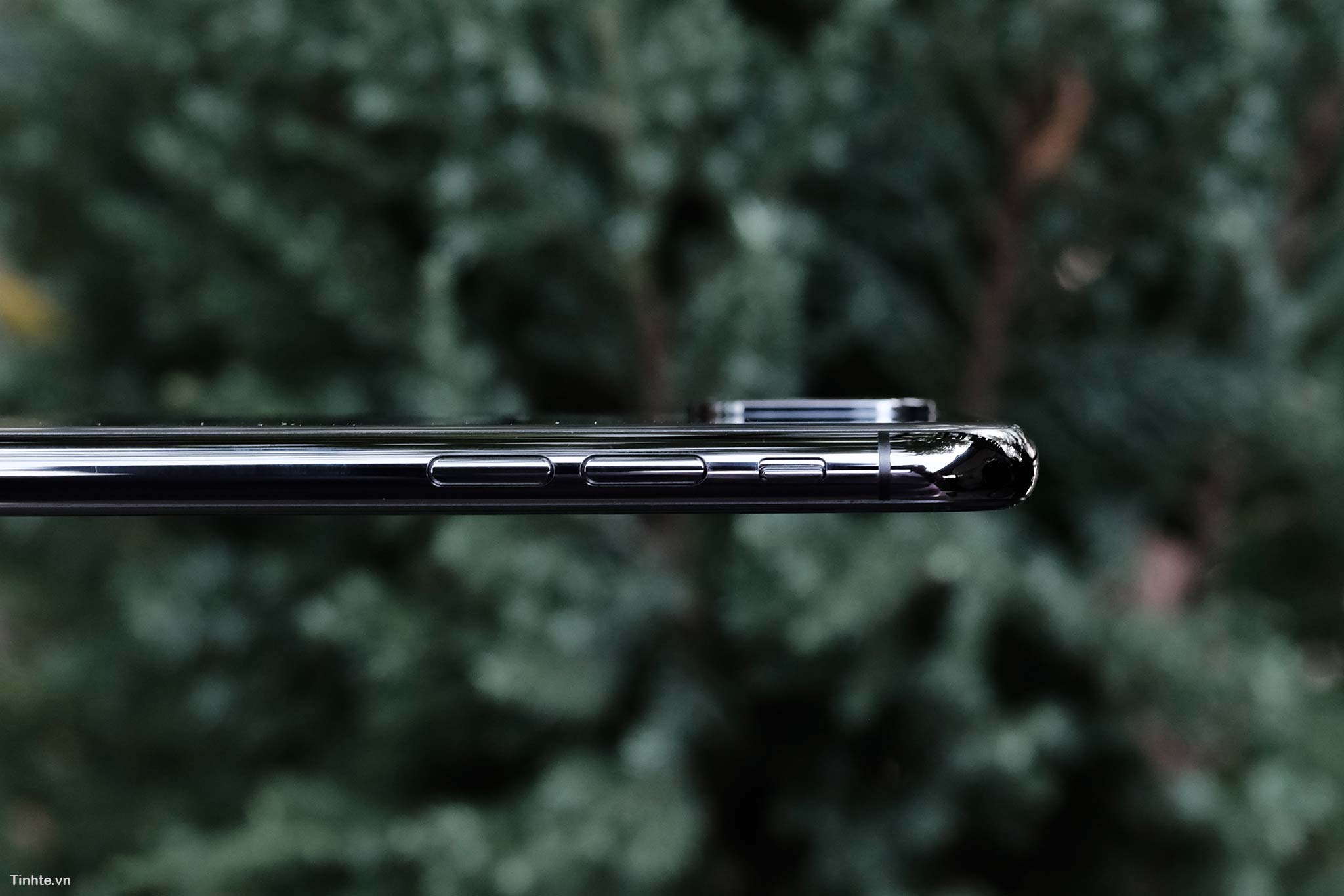
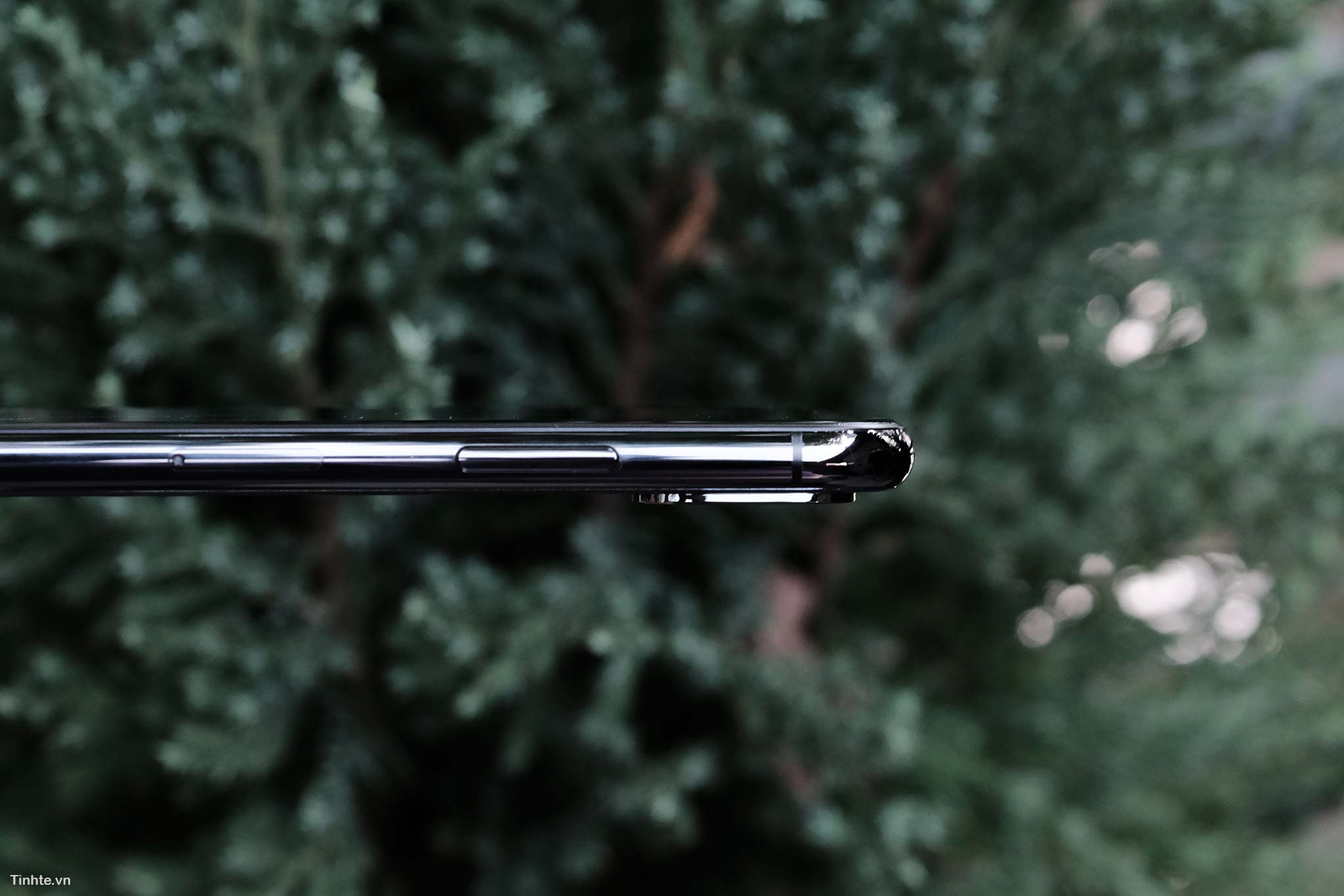
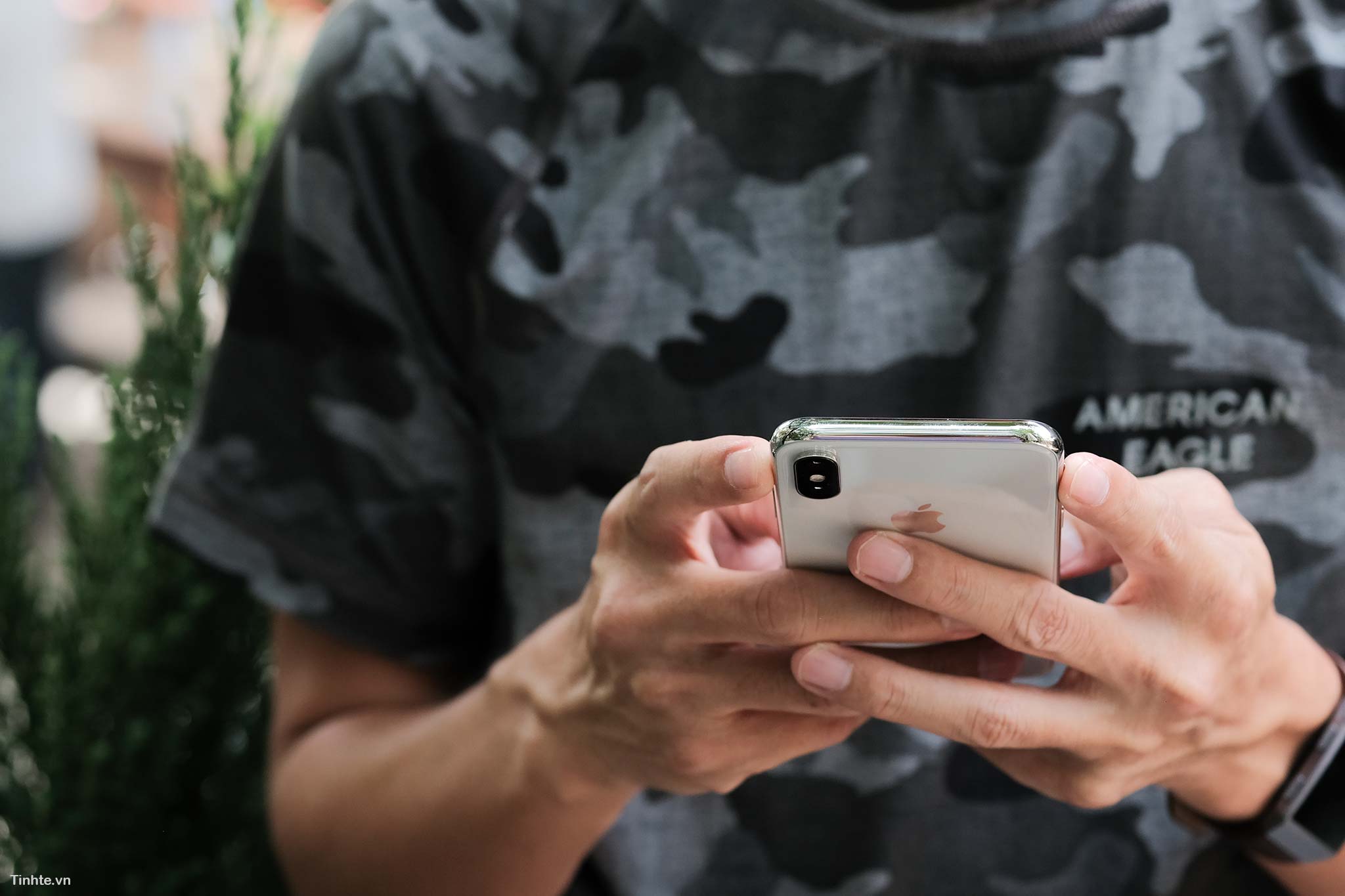
As mentioned, iPhone Twitter is really compact compared to its screen size. Although the edge of the device is still visible, it doesn't really cover the entire edge like some other phones, but this design gives me the feeling that the device will be quite durable when dropped, because the very large frame protecting the outside has been reinforced. If you are female, you may be a little uncomfortable when the weight of the device is larger than the iPhone SE or iPhone 8, but that is the price you have to trade for two glass sides and a steel frame.
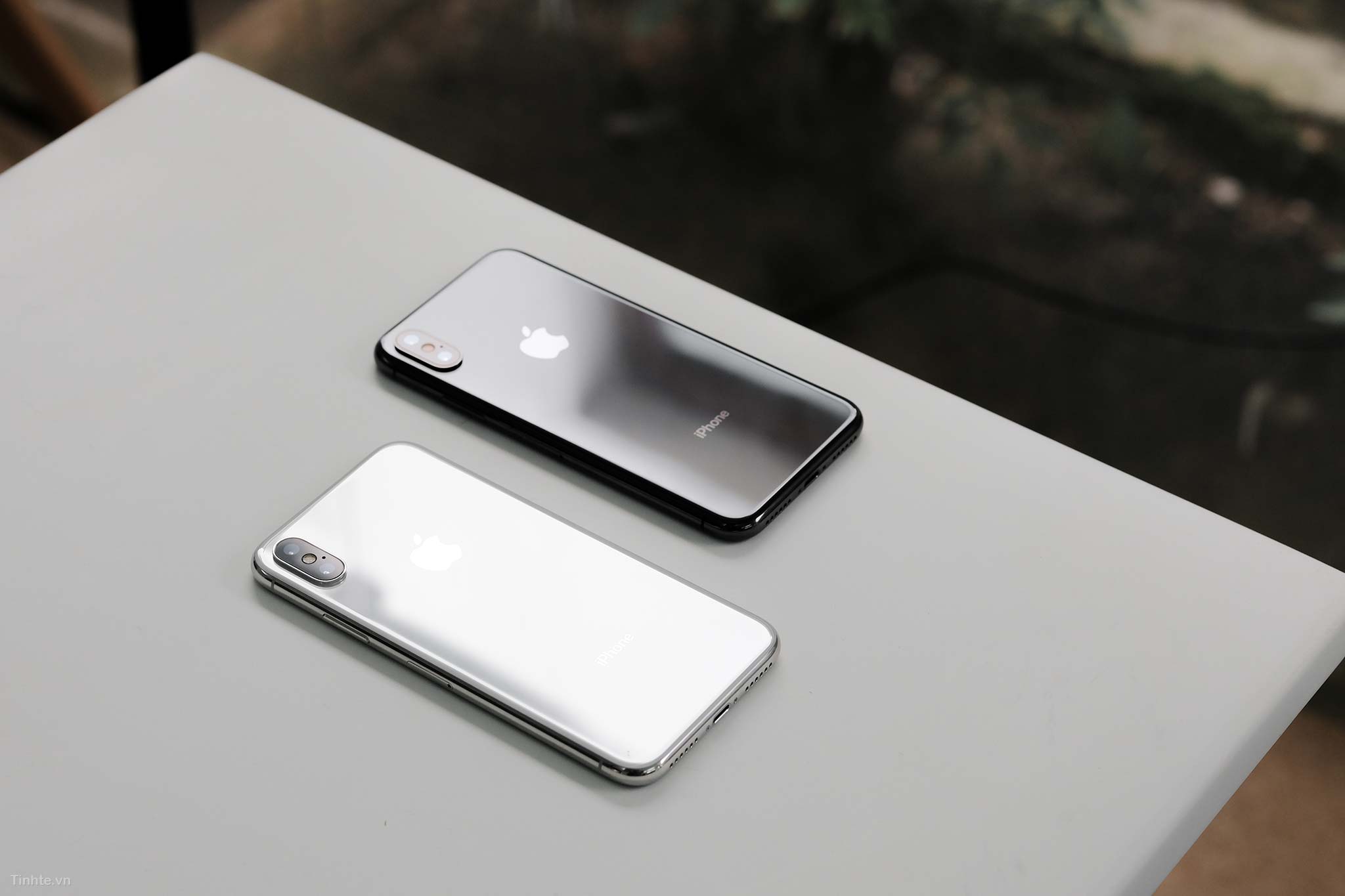
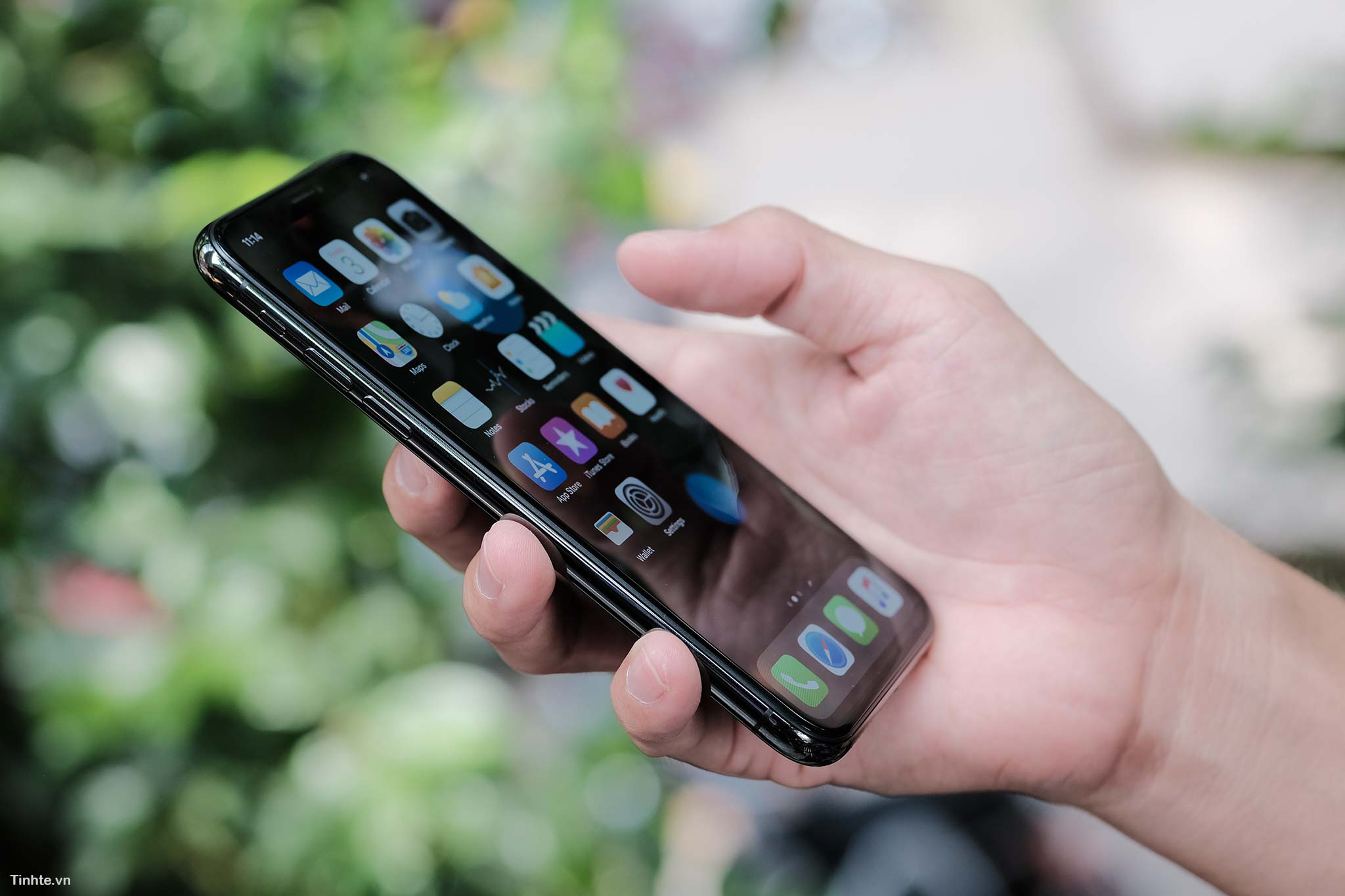
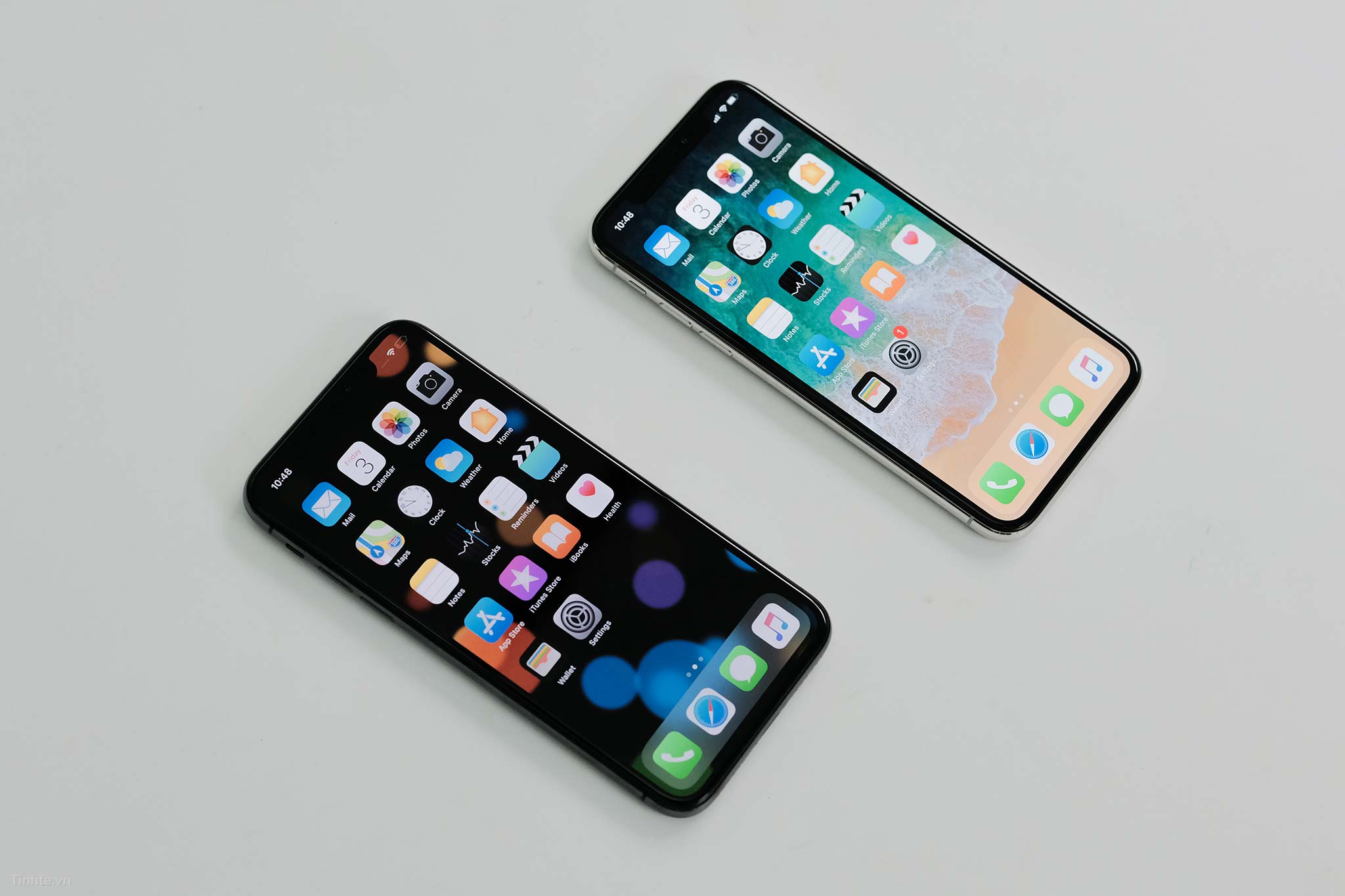
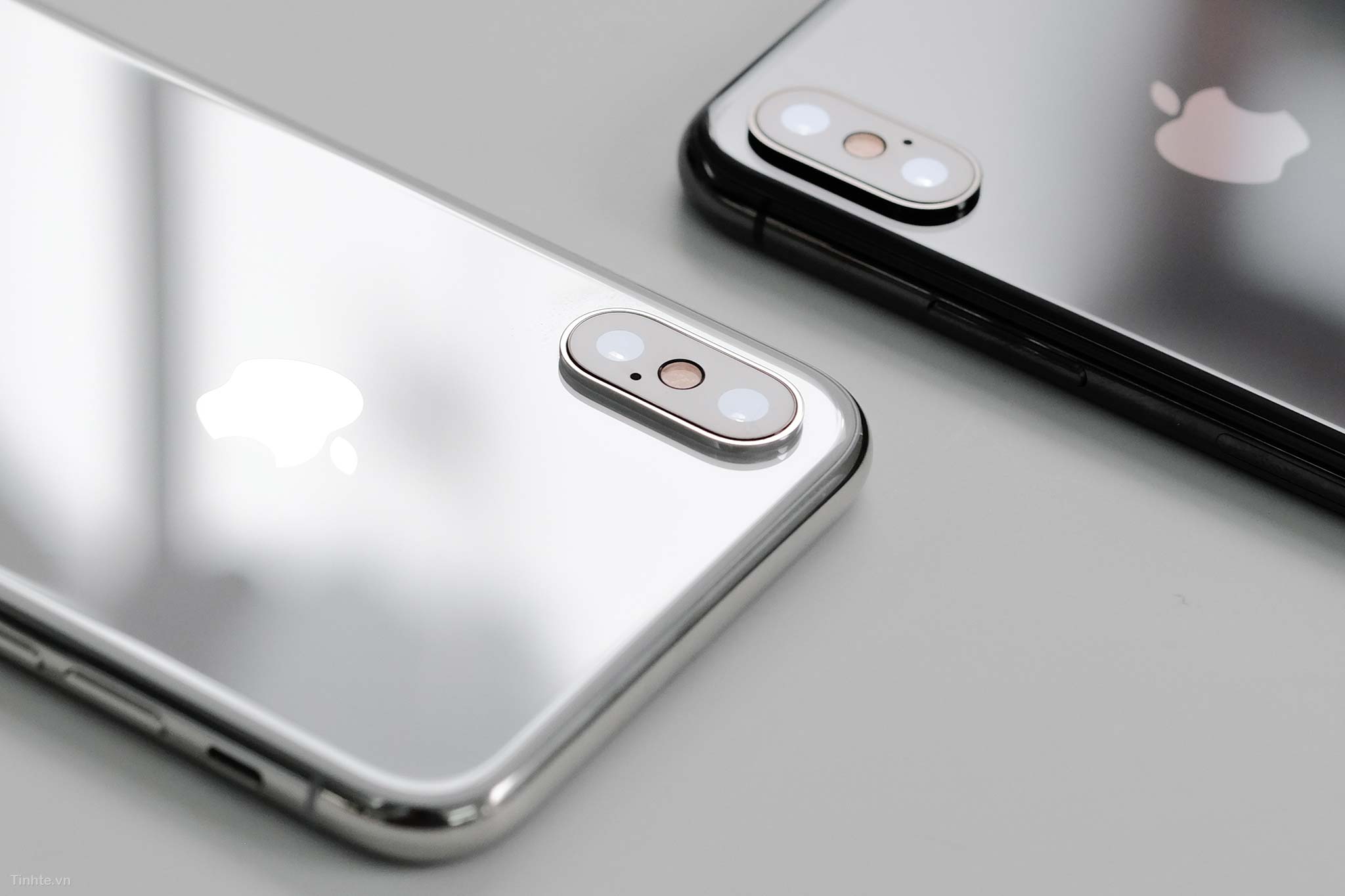
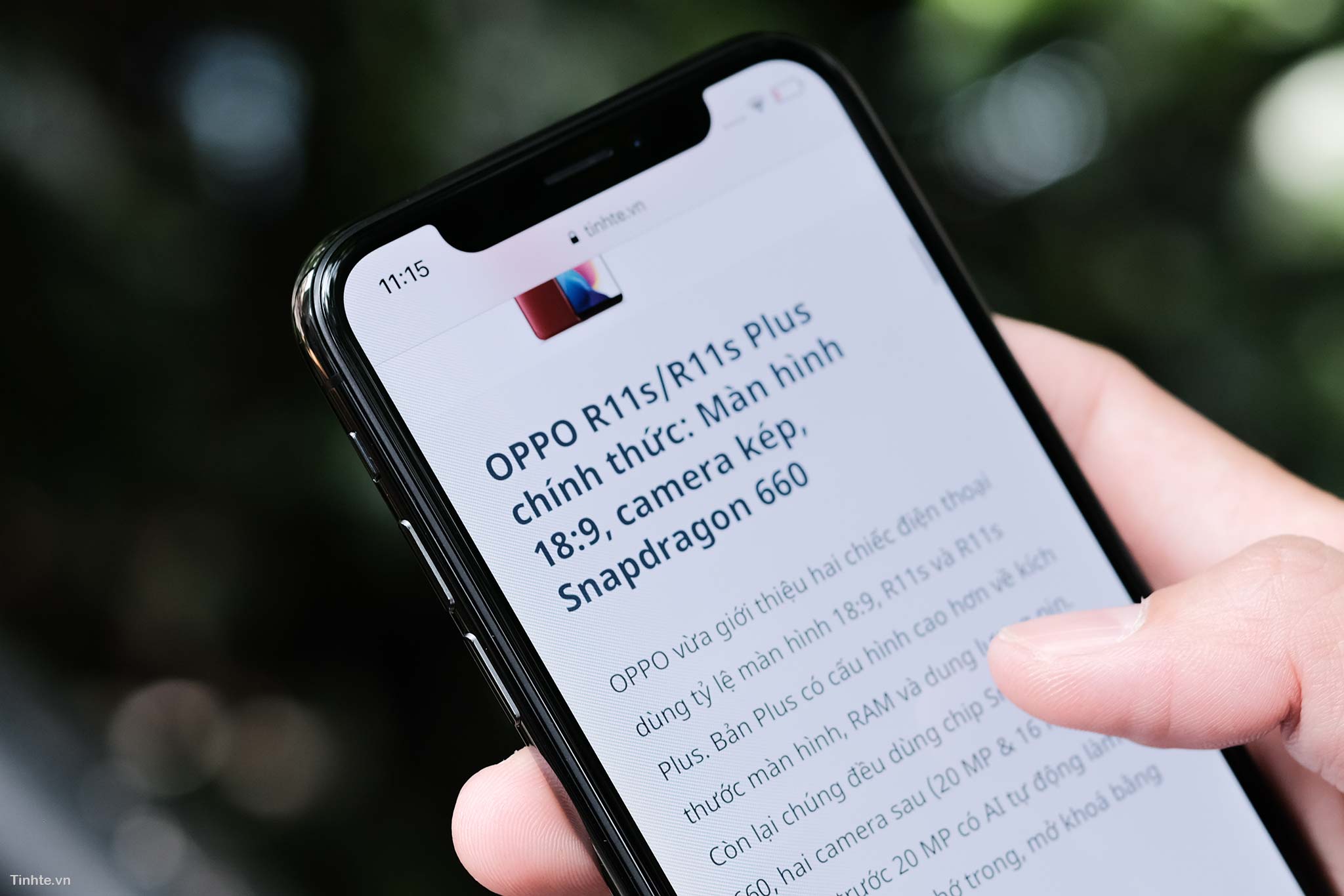
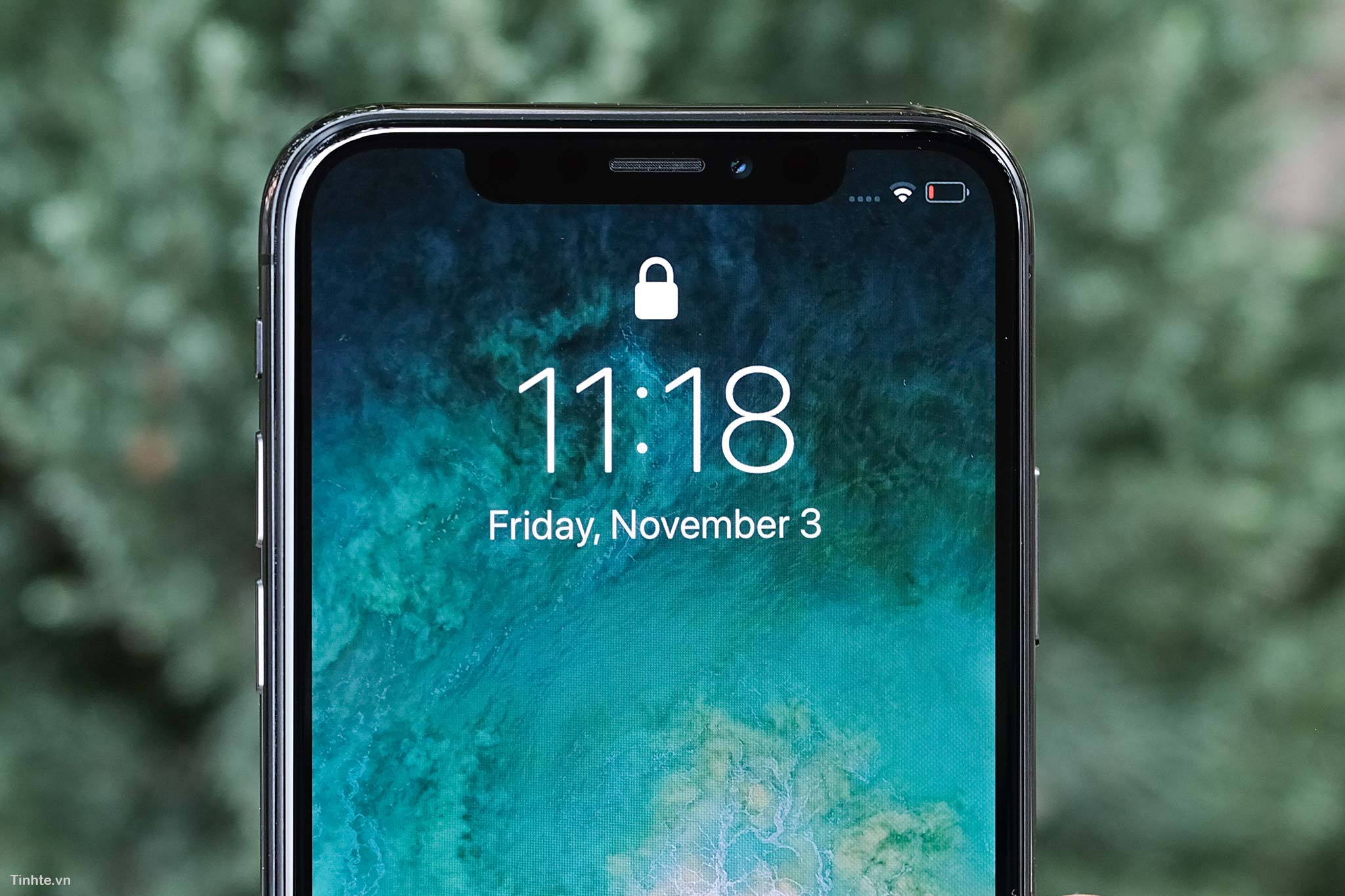
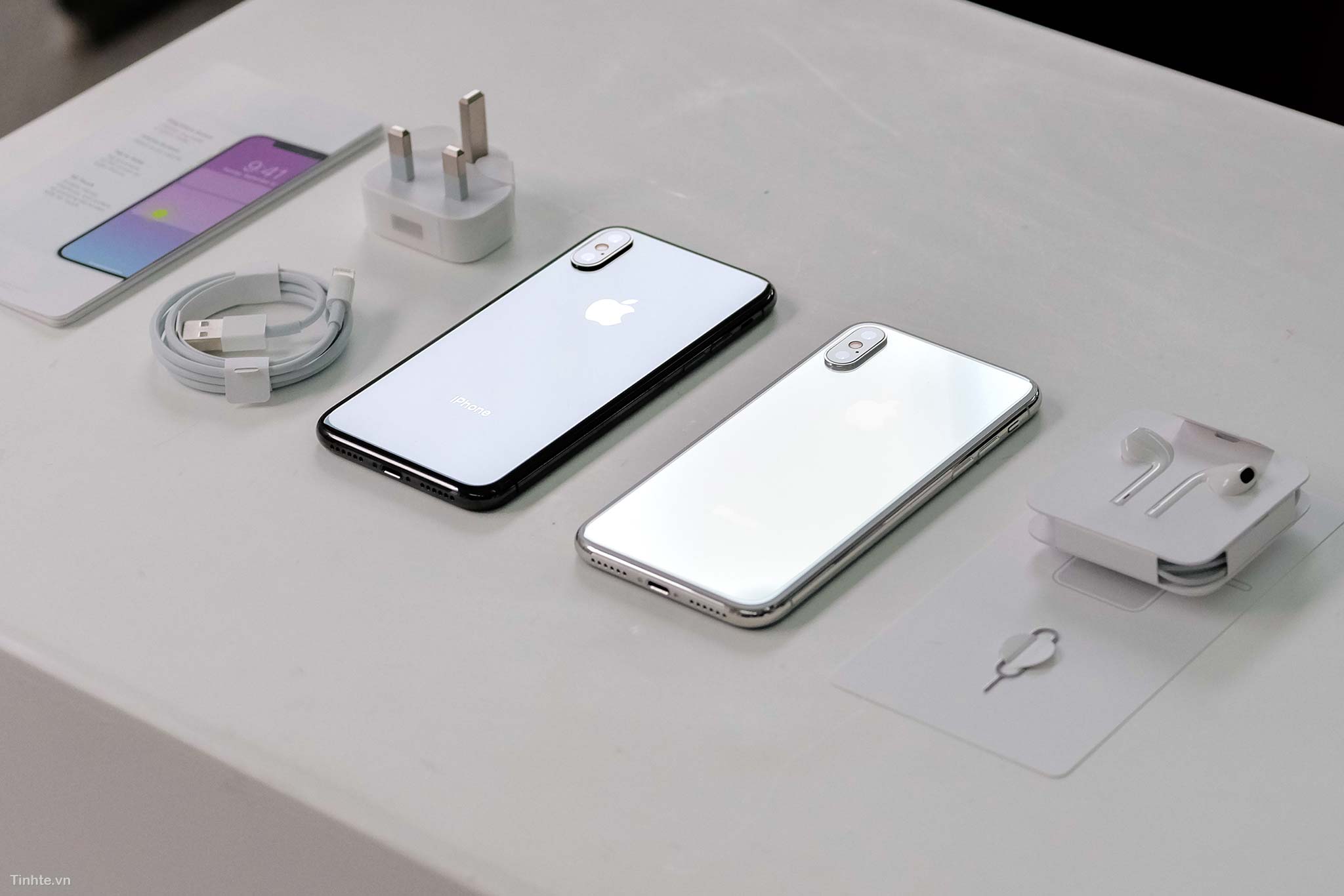
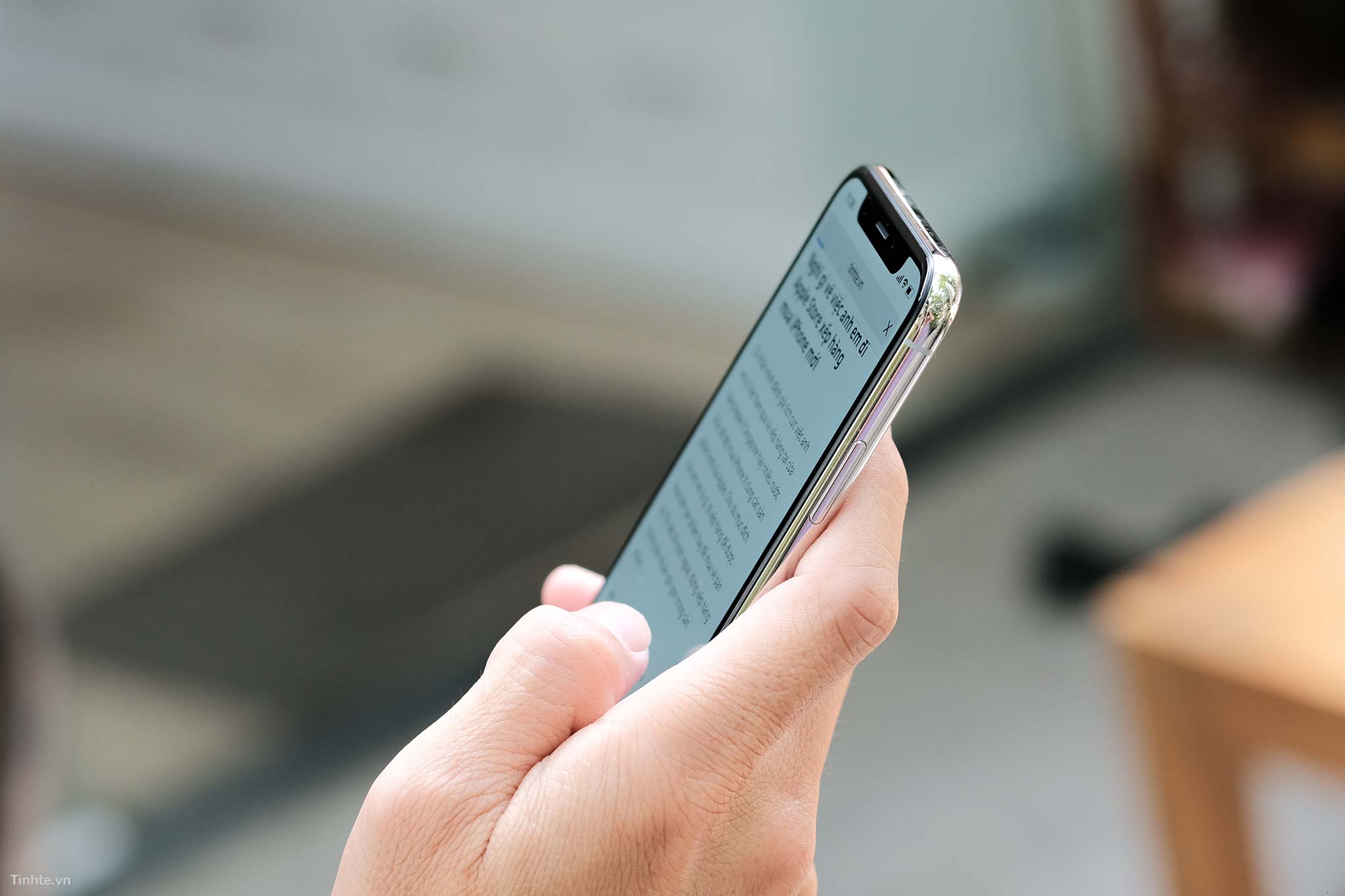
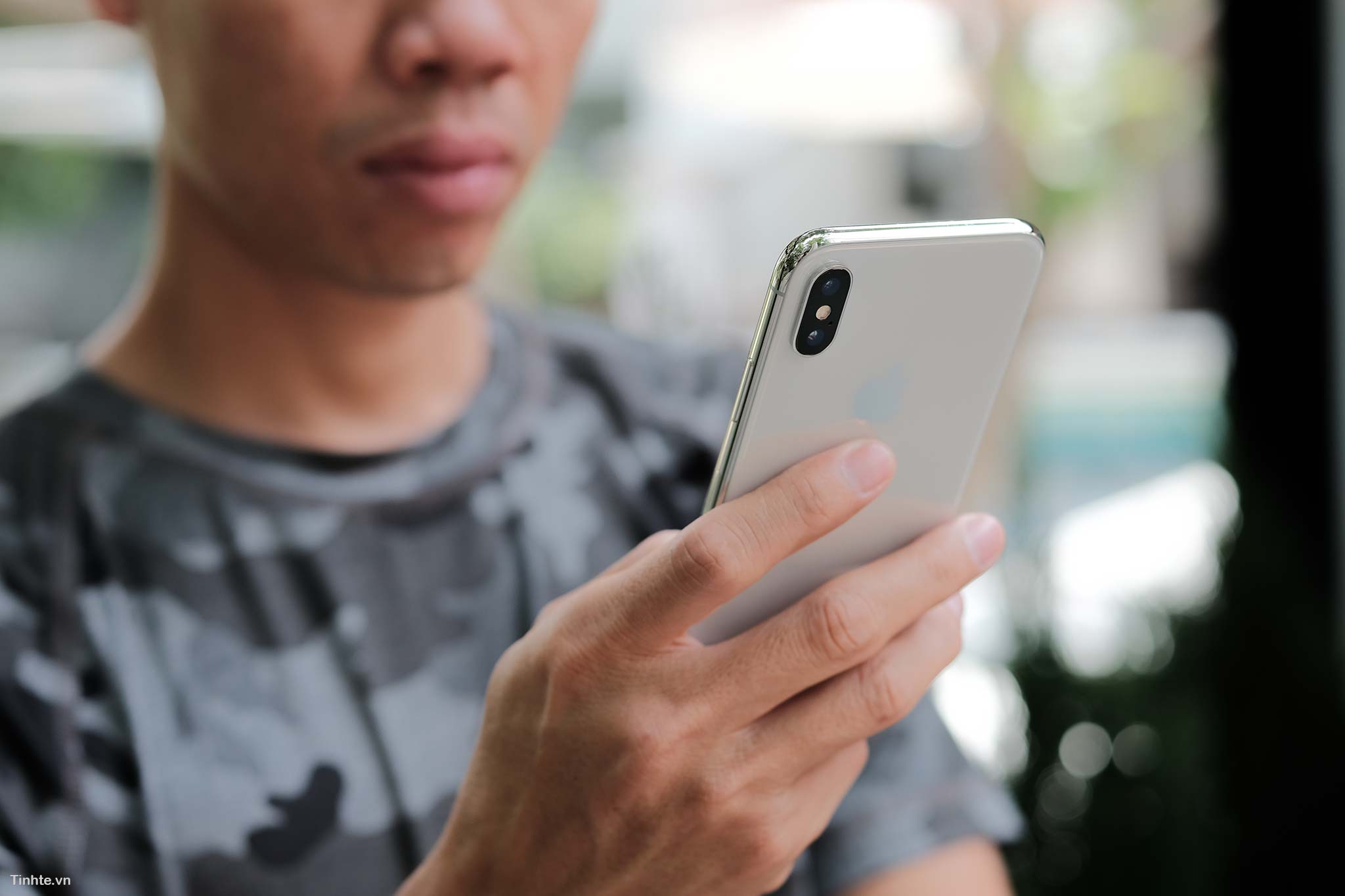
If it were me, the black version would be the one I choose, because it will match the camera color with the back. The camera part is the part I find the ugliest on iPhone Twitter, the white version is a bit out of place because the camera background is black and the back is white while the black version is evenly black, better. In return, the white border will be shiny, very suitable for women. Screen: The biggest surprise on iPhone Twitter, if I didn't know in advance, I wouldn't have thought this screen used an OLED panel. Apple still uses the Diamond Pixel pixel structure provided by Samsung but requires them to manufacture it separately according to the company's regulations. As a result, we see an OLED "LCD" screen like never before, with high contrast, blacks are still very black but the color saturation is not too bright. If you pay close attention, you will see that the white areas are still slightly dim, but compared to other OLED panels, including LG's, the iPhone Twitter's color rendering is still very different, it really resembles LCD.
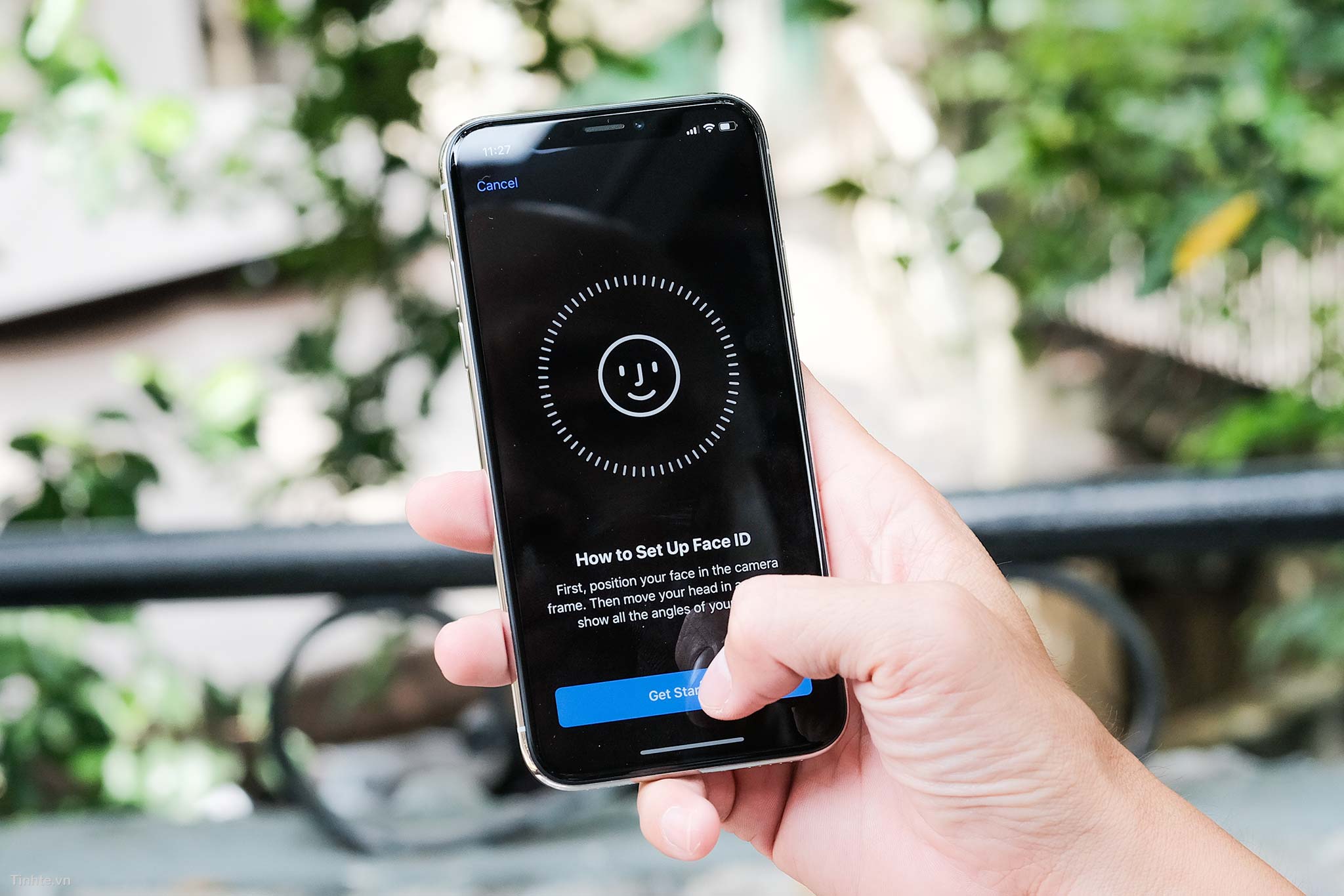
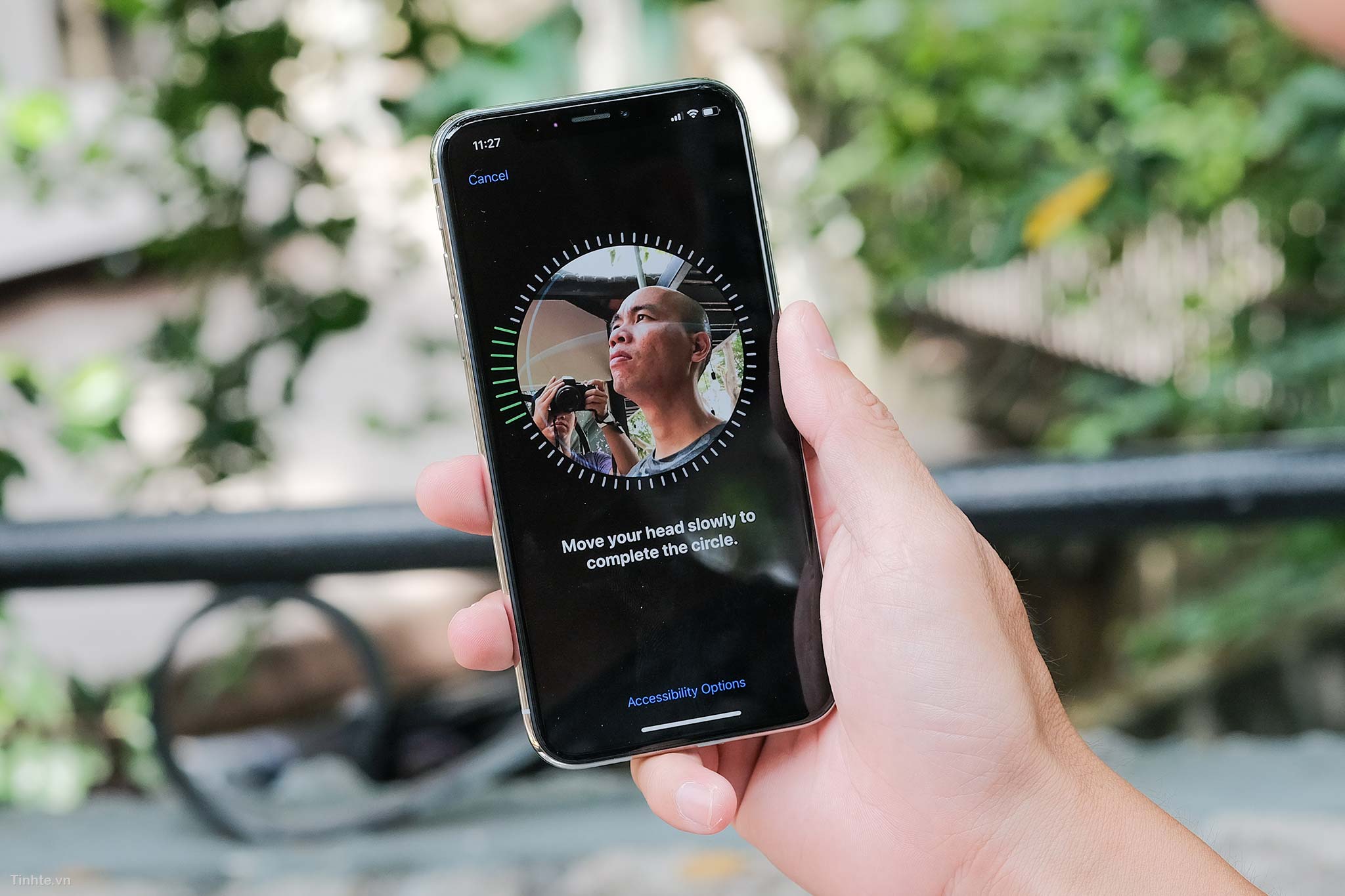
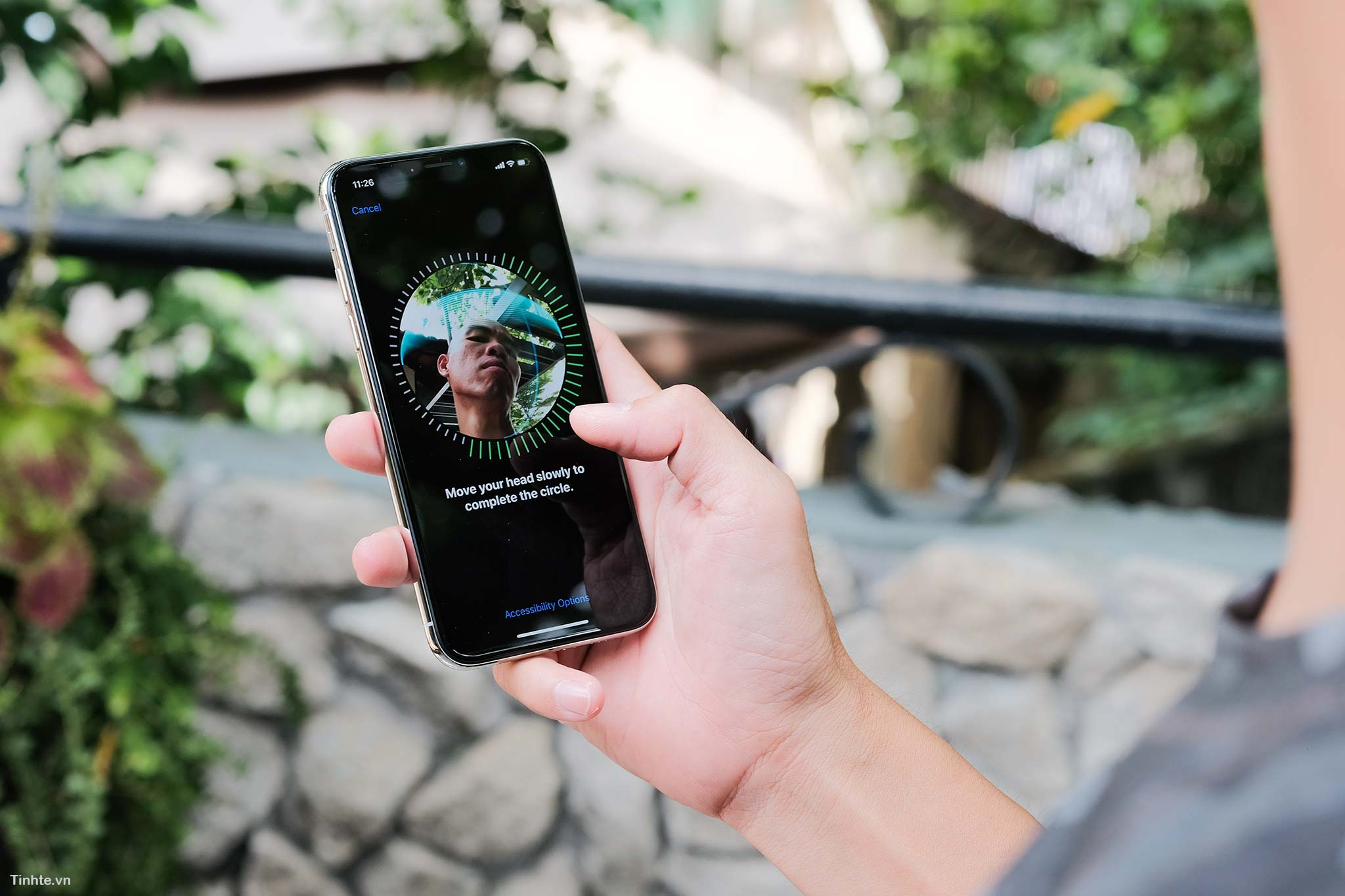
FaceID will be tested more thoroughly, but testing shows that its unlocking speed is somewhere between the first generation TouchID and the second generation TouchID, it's not too fast but not too slow either, at a decent level. To unlock iPhone Twitter with FaceID, you will have 3 ways:
There is a small note that to unlock iPhone Twitter, you have to swipe up from the bottom. If you swipe anywhere on the screen it won't open. Regarding identification ability, we tried FaceID when wearing glasses, sunglasses, helmets, headphones, but in the test of wearing a mask, of course FaceID failed. Will try more carefully later
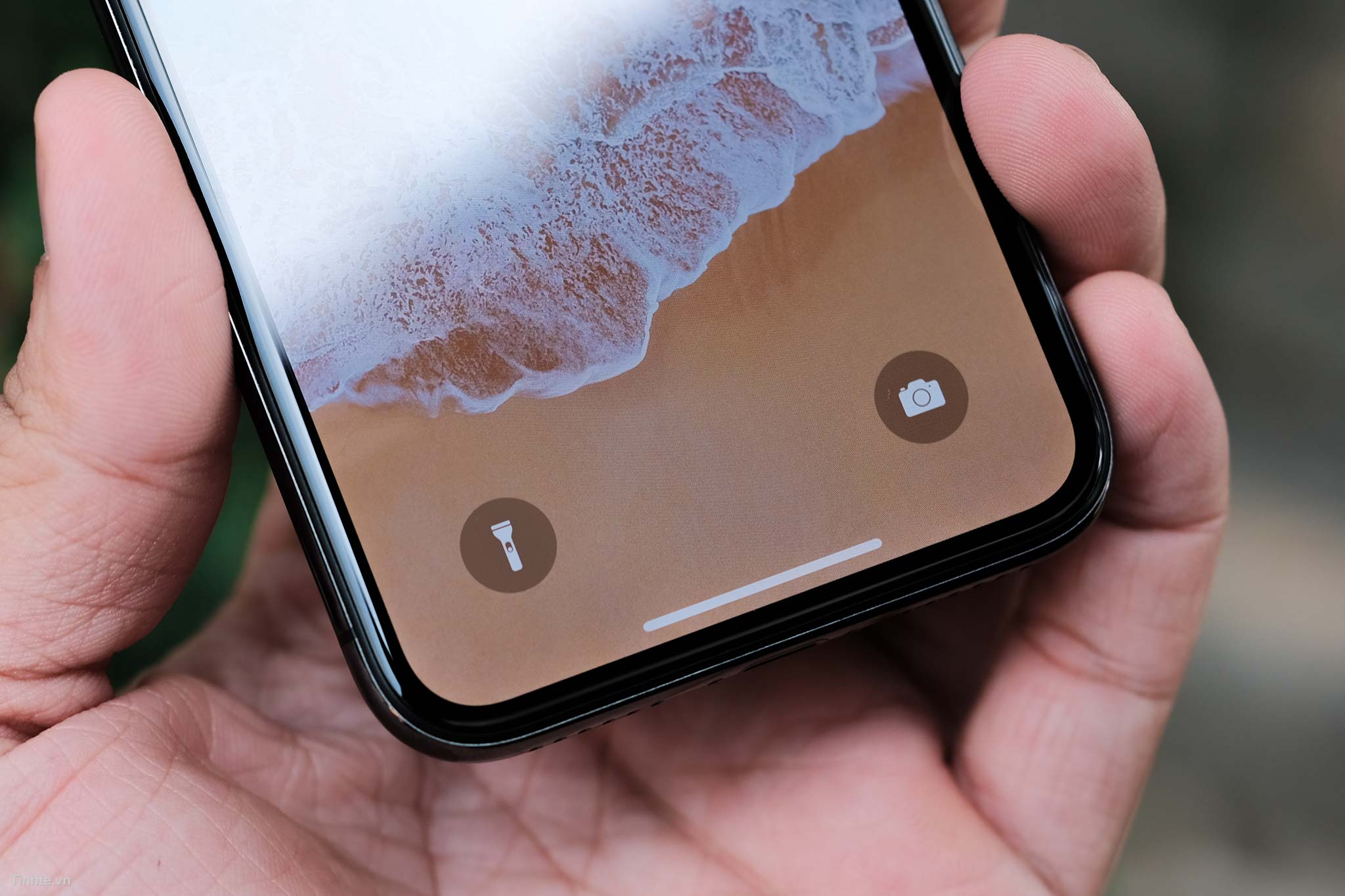
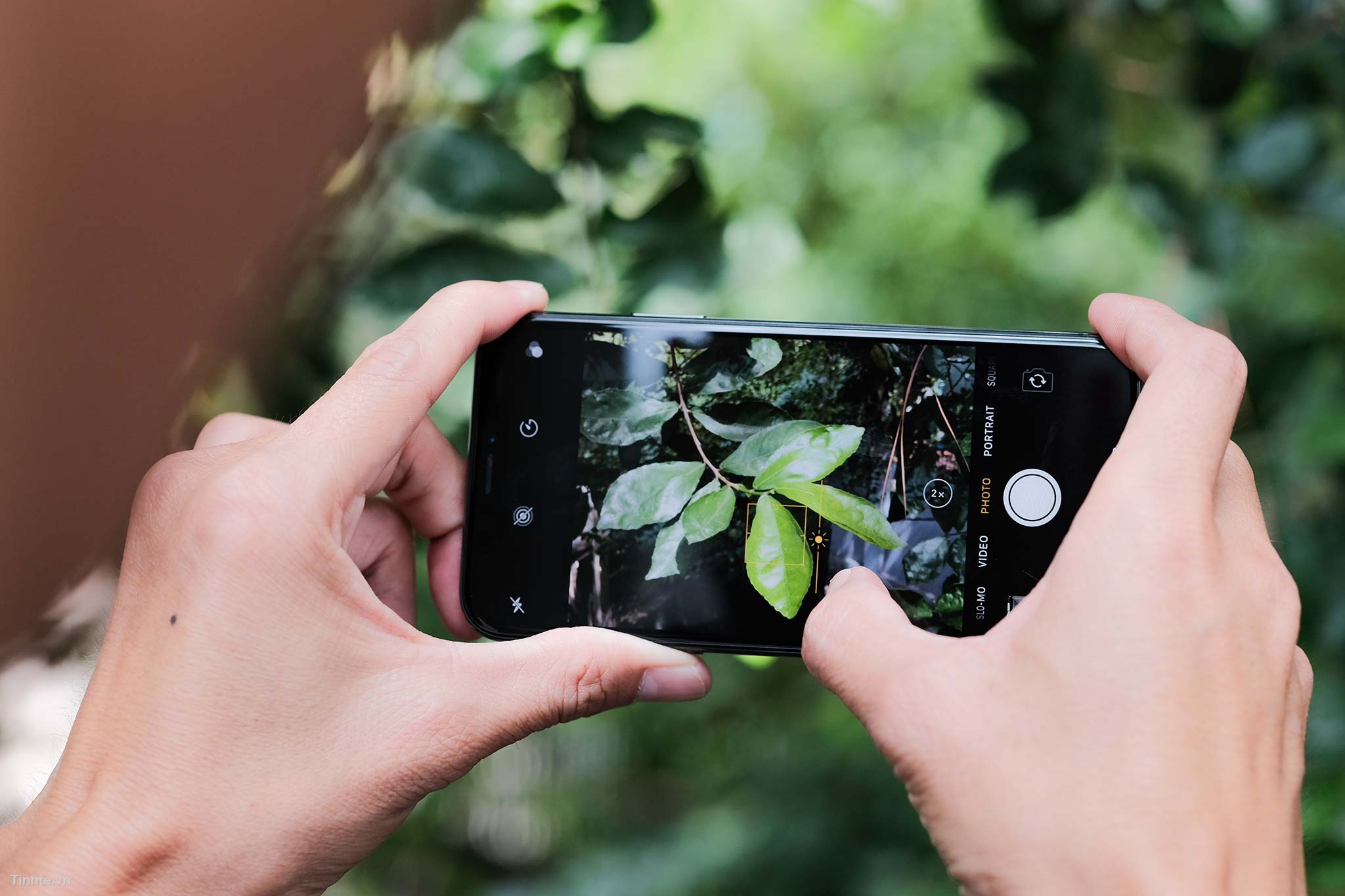
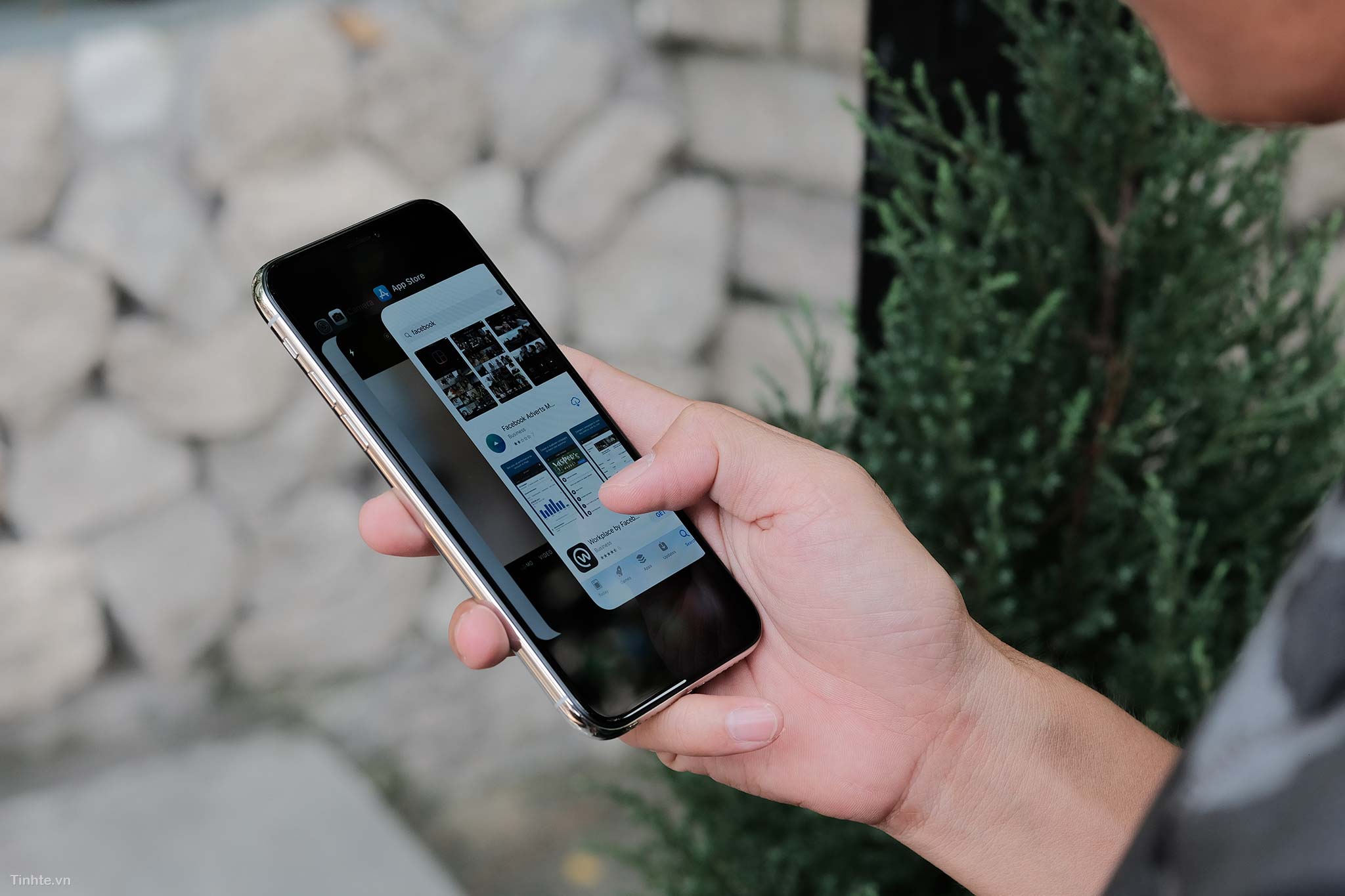
Some people say the new iPhone Twitter interface is a bit difficult to use and unfriendly, but for me, it only takes a few minutes to get used to the new controls and everything becomes really easy. This way of interaction is somewhat similar to the old Palm Pre or most recently the BlackBerry 10 with a card-like interface, swiping in from the edges. However, it is less confusing and more convenient in that users do not need to care about the edges, they only need to know one swipe position: that side of the device. Maybe it's because I'm young and often exposed to technology so it's easier, but older people will have to spend more time.
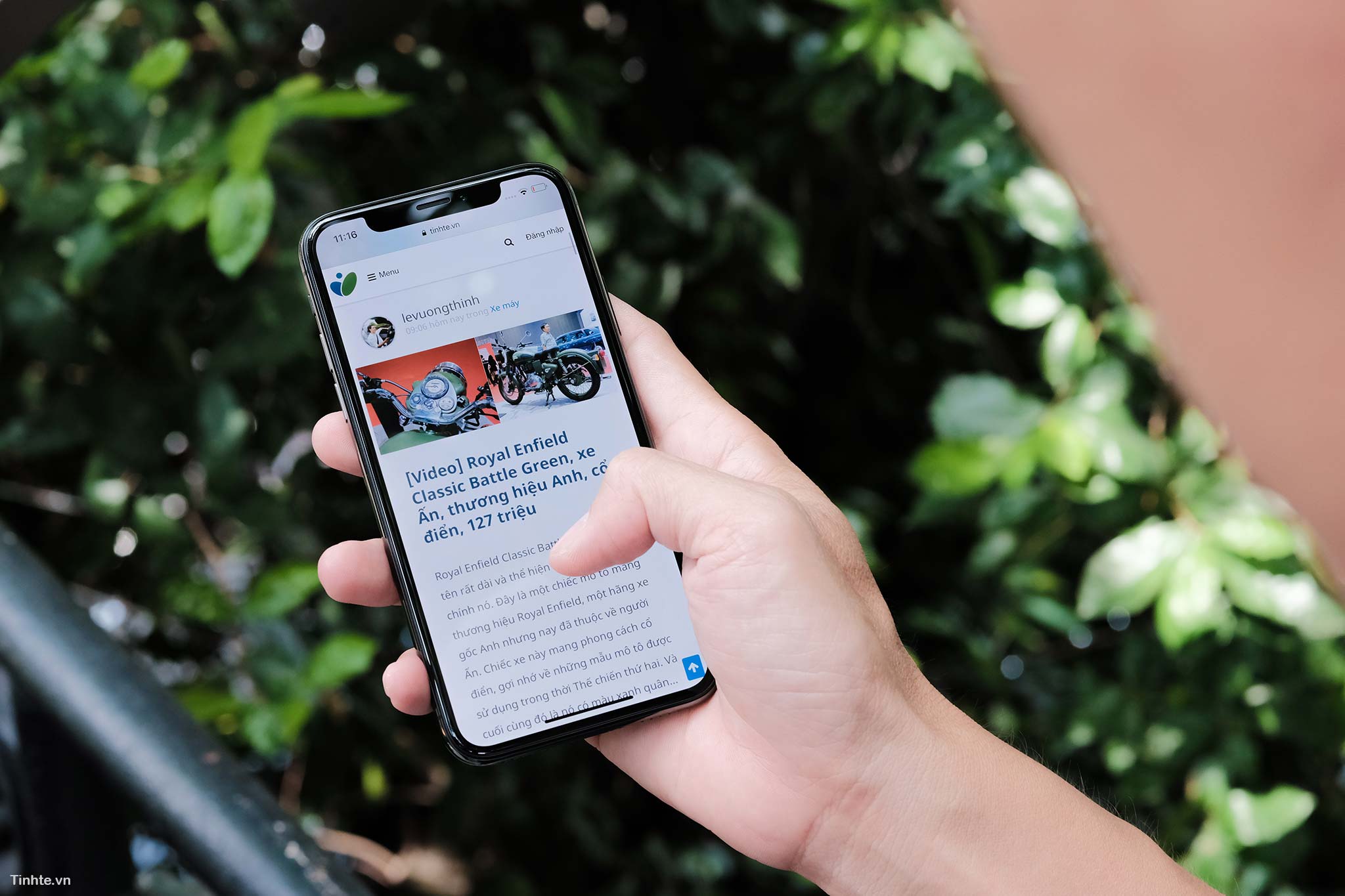
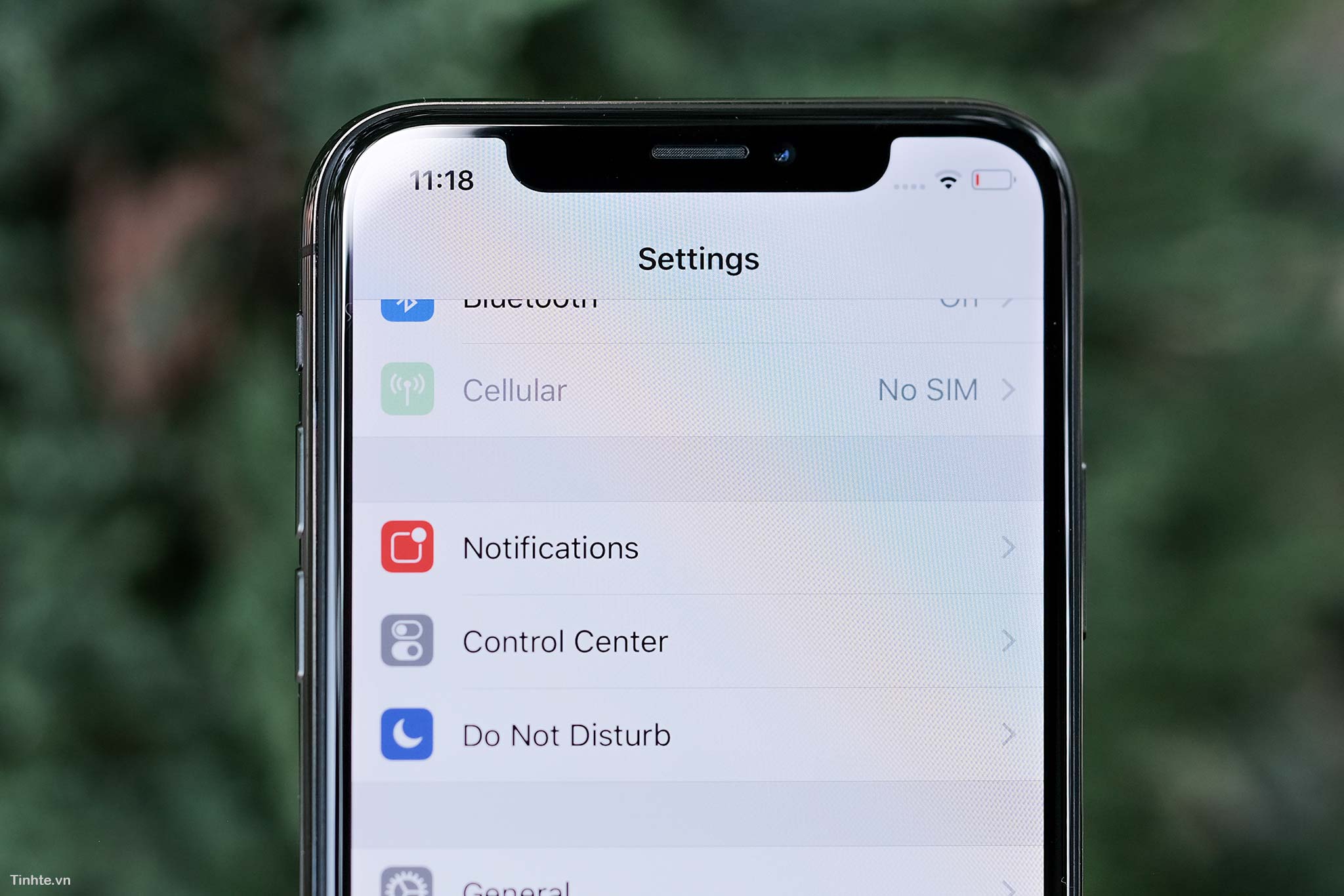
Regarding the rabbit ear, it is almost not within the field of view of my eyes when using it, especially when in applications with black interfaces or backgrounds. Only with white applications can its presence be seen. Personally, I don't find the rabbit ears uncomfortable, we just have to get used to swiping down to the right to open Control Center and swiping down to the left to open Notification. Thank you Tung for lending me your device