Vercel Services: Run full stack on Vercel

To a user, an app with a Next.js frontend and a FastAPI backend feels like one product, and the same should be true for the engineers who build it. Instead, the two pieces are often deployed across different clouds with different development and deployment workflows.
Today we're introducing Vercel Services in public beta, which lets you run multiple frameworks in one Vercel Project. This unlocks:
Atomic deployments: Your frontend, backend, and other services stay in sync and deploy or roll back together
Shared preview deployments: See how any change affects all your services
Internal service communication: Services can talk to each other without routing through the public Internet
Vercel handles the rest: routing, builds, deployments, and auto-scaling in production. The developer experience you already know from Vercel now covers your entire application.
Compose applications with Vercel Services
Declare your services under the services key in vercel.json keeping the routing configuration explicit:
1{2 "services": {3 "my_frontend": {4 "root": "frontend/",5 "framework": "nextjs"6 },7 "my_backend": {8 "root": "backend/",9 "entrypoint": "main:app"10 }11 },12 // my_backend has no public route13 // it is only reachable from my_frontend internally14 "rewrites": [15 { 16 "source": "/(.*)", 17 "destination": { "service": "my_frontend" }18 }19 ]20}Public internet routes to the frontend. The backend has no public route and is only reachable internally via a service binding.
Services can be mounted to a shared routing table without the need for a reverse proxy or CORS.
The services configuration is recognized at multiple levels of the Vercel platform:
The Deployments panel shows a visualization of services graph
The Logs UI allows filtering by individual service
The vercel dev CLI automatically runs all services giving you a production-like environment locally
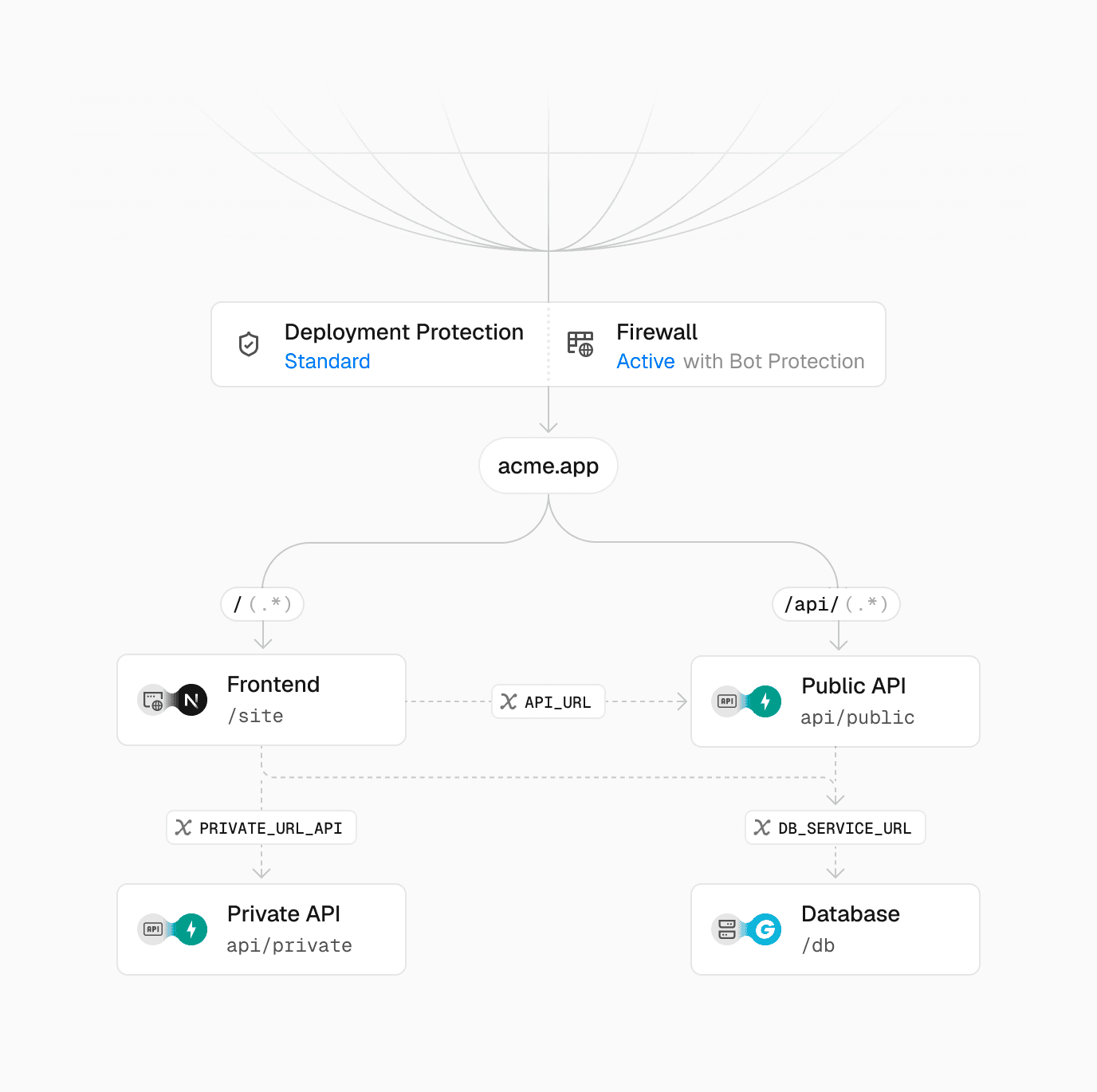
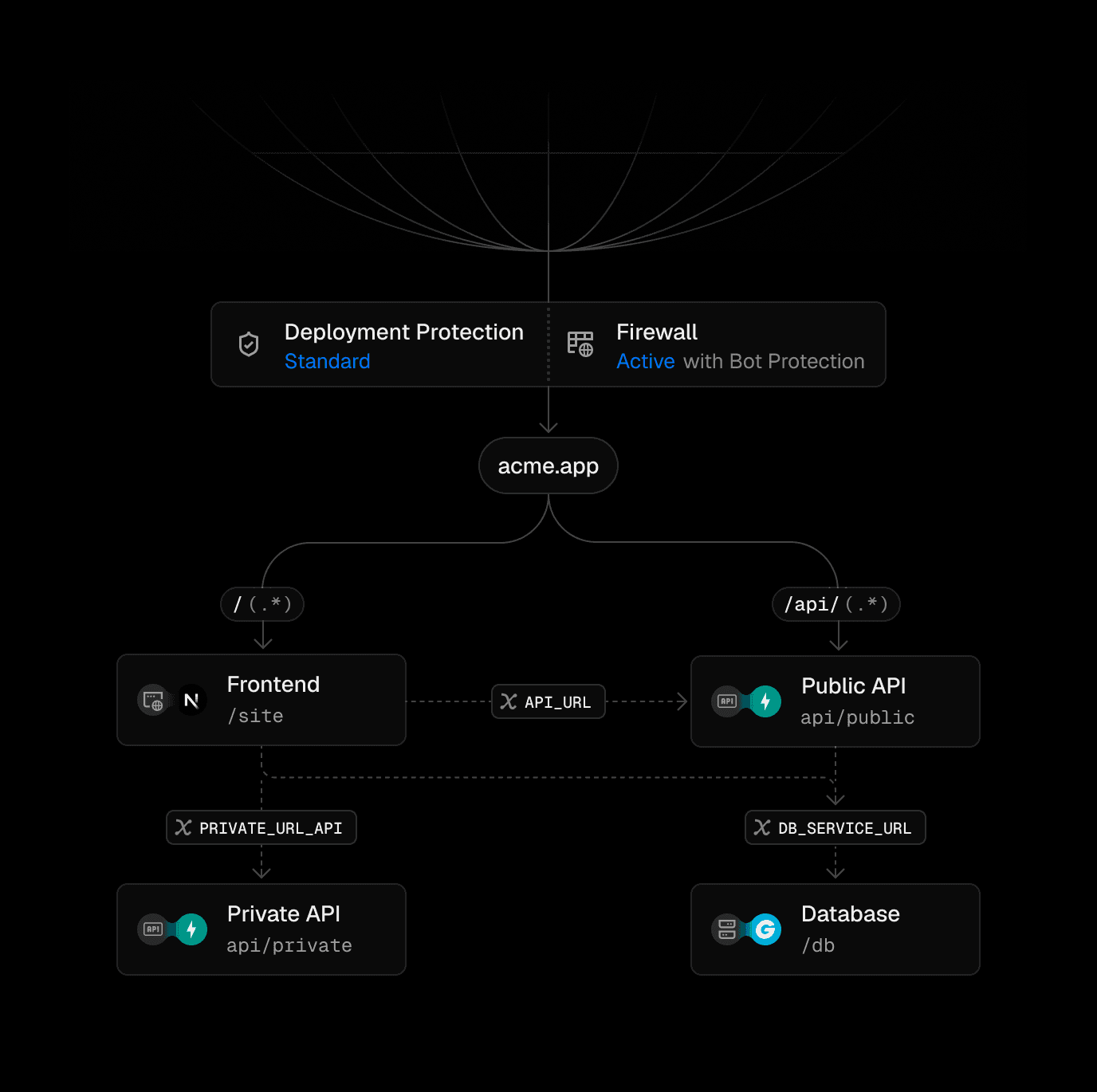
Service bindings
Services can talk to other services internally, without routing through the public Internet. Here's an example how the new bindings configuration key enables that:
1{2 "services": {3 "my_frontend": {4 "root": "frontend/",5 "framework": "nextjs",6 "bindings": [7 {8 "type": "service",9 "service": "my_backend",10 "format": "url",11 "env": "BACKEND_INTERNAL_URL" 12 }13 ]14 },15 "my_backend": { ... }16 },17 "rewrites": [ ... ]18}A binding injects BACKEND_INTERNAL_URL into the frontend, pointing at the backend over Vercel's internal network
Now the JavaScript frontend code can talk to the Python service internally via the URL stored in the BACKEND_INTERNAL_URL environment variable:
1export async function GET() {2 const url = new URL("/users", process.env.BACKEND_INTERNAL_URL);3 const res = await fetch(url);4 const users = await res.json();5 return Response.json(users);6}The frontend calls the backend using the injected internal URL. Traffic never leaves Vercel's network.
Service-to-service traffic stays on the Vercel network rather than egressing to the public internet. Many independent services can become one application connected by the same wiring, rather than separate deployments that you stitch together across hosts.